
Knowledge SuperBox
Best TV for Airbnb: Top Guest Entertainment Setup Guide





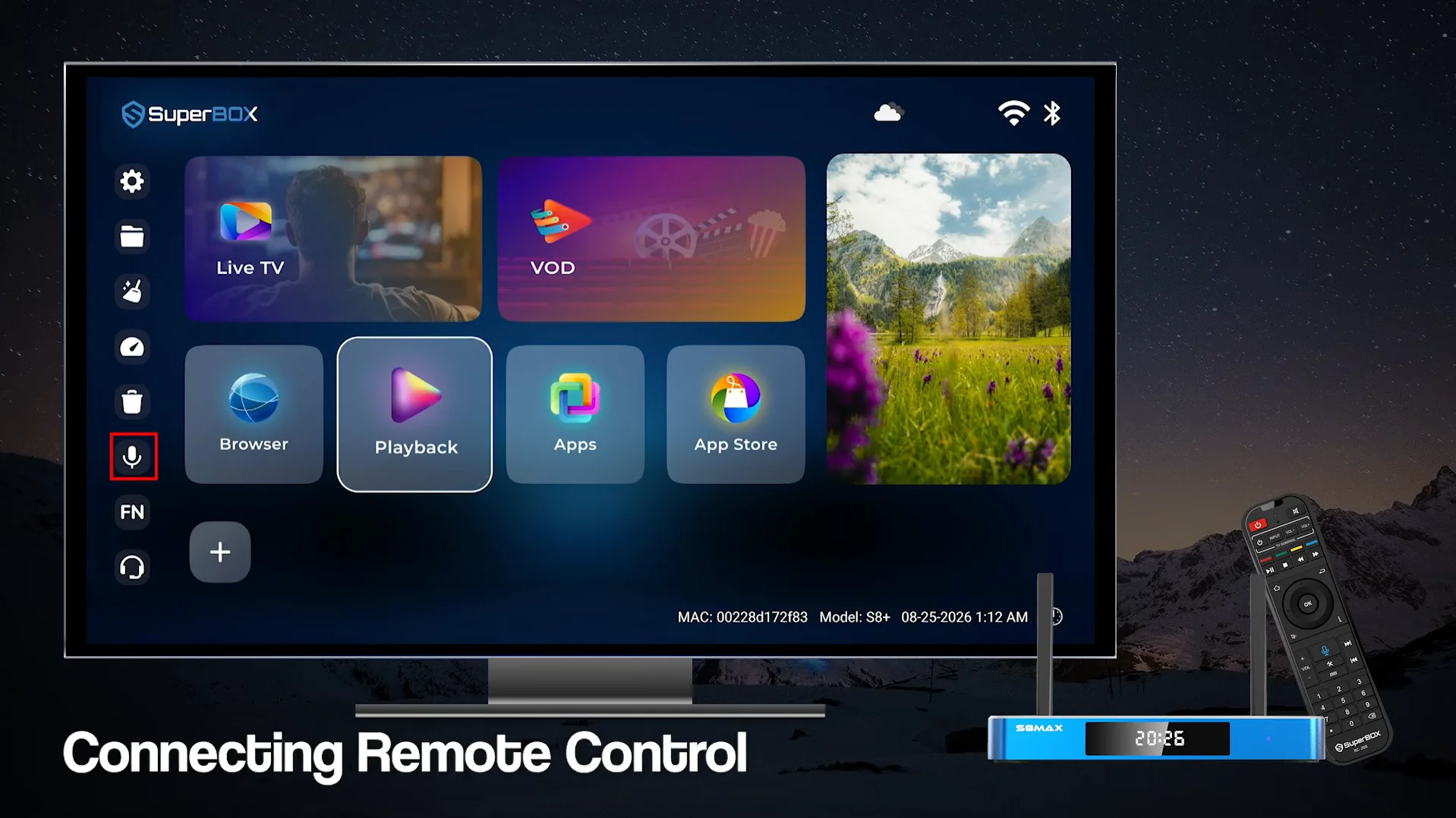
Operating a successful short-term rental or Airbnb property requires balancing guest satisfaction against ongoing operational expenses and maintenance headaches. Entertainment is one of the first amenities guests inspect upon arrival, and few guest experiences trigger negative reviews faster than a confusing television setup, broken remotes, or demands to log into personal subscription accounts.
Hosts who rely on traditional cable packages face astronomical recurring costs, while hosts who provide empty smart TVs field constant late-night messages from guests frustrated that they cannot watch live local news or prime-time football.
Designing an intuitive, cost-effective television setup is essential for securing five-star reviews. Our short-term rental consultants at superboxs8.com evaluate the optimal hardware, display panels, and streaming configurations for Airbnb properties in 2026.
Quick Check: The premier TV setup for Airbnb properties is pairing a budget-friendly 50-inch to 65-inch 4K commercial display panel (such as Hisense or TCL) with a dedicated SuperBox S8 Pro or S7 Pro media player. This setup provides guests with instant, one-click access to over 2,000 live broadcast channels, live sports, and movies with zero subscription logins required, while saving the host over $1,400.00 USD annually in recurring cable and streaming fees per rental property.
The Four Major Television Headaches Plaguing Airbnb Hosts
Short-term rental operators face unique technological challenges that differ substantially from traditional residential living rooms.
The comparison table below details the common operational challenges faced by vacation rental hosts and how different television entertainment solutions address them.
| Operational Challenge | SuperBox Dedicated Media Console | Standard Smart TV (Guest Mode) | Traditional Cable Box Package |
|---|---|---|---|
| Annual Operational Expense | $0.00 / Year (One-Time Hardware Purchase) | $0.00 (But Zero Live Content Included) | $1,440.00 – $2,160.00 USD / Year |
| Guest Account Privacy Friction | No Guest Logins Required (Turn-Key) | Guests Must Enter Personal Passwords | No Guest Logins Required |
| Forgotten Password Security Risk | Zero Risk (No Personal Profiles Stored) | High (Guests Forget to Log Out on Departure) | Zero Risk |
| Live Sports and News Access | 2,000+ Channels (ESPN, NFL, Regional News) | None (Unless Host Pays Subscriptions) | Included (Within Selected Tier) |
| Late-Night Guest Support Calls | Extremely Rare (Intuitive Voice Remote) | Frequent (“How do I watch local TV?”) | Moderate (Complex Cable Menus) |
| Hardware Theft & Replacement Cost | Modest ($359) with Disguised Mounting | High (Replacing Entire Smart TV Panel) | High (Cable Provider Equipment Penalties) |
Detailed Breakdown of the Ultimate Airbnb Entertainment Setup
Creating a frictionless entertainment environment delights guests while freeing hosts from repetitive technical maintenance.
Eliminating the “Guest Account” Privacy Trap
The most common mistake Airbnb hosts make is expecting guests to log into personal Netflix, Prime Video, or Disney+ accounts on the living room television. Many travelers consider entering sensitive passwords on unfamiliar public devices a major security risk.
Furthermore, departing guests routinely forget to log out of their accounts. Subsequent guests can access those profiles, rent paid movies on the previous traveler credit card, or tamper with viewing histories. By providing a SuperBox console configured with access to comprehensive live channels and thousands of video-on-demand movies, guests enjoy expansive entertainment without ever entering personal credentials.
Guaranteeing Live Sports and Regional News for Traveling Fans
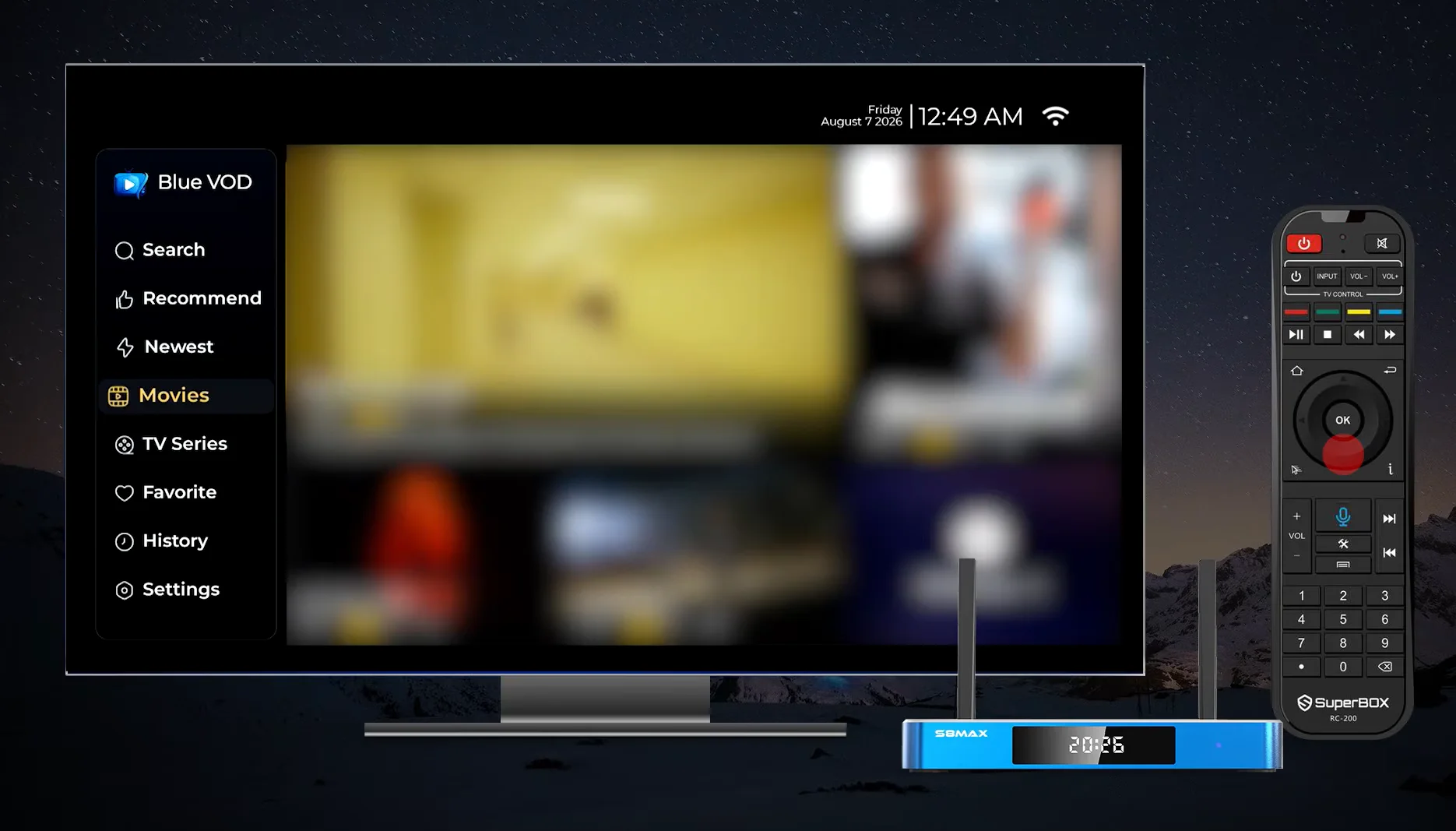
Guests travel for weddings, vacations, and family reunions, but they rarely want to miss their hometown sports teams on weekend game days. When a guest books a rental only to find that the television cannot stream Monday Night Football or local weekend tournaments, negative reviews often follow.
A SuperBox S8 Pro connected to the rental living room television gives guests access to all major professional and college sports broadcasts, out-of-market feeds, and national news channels. Traveling sports fans can track live scores and follow games with zero frustration.
Slashing Operating Expenses Across Rental Portfolios
For hosts managing multiple short-term rental listings, paying one hundred twenty to one hundred fifty dollars per month for commercial cable packages at each address severely erodes operating profit margins. Across a portfolio of three properties, cable subscriptions consume over five thousand dollars every year.
Replacing subscription television with authentic SuperBox hardware represents a one-time tax-deductible capital expenditure that pays for itself within three months. Every month thereafter, hosts keep thousands of dollars in pure operational savings while providing a noticeably superior entertainment amenity.
Guest-Proofing the Hardware and Remote Control
Short-term rental electronics experience rough daily use. Guests accidentally drop remotes, misplace cables, and press random configuration buttons.
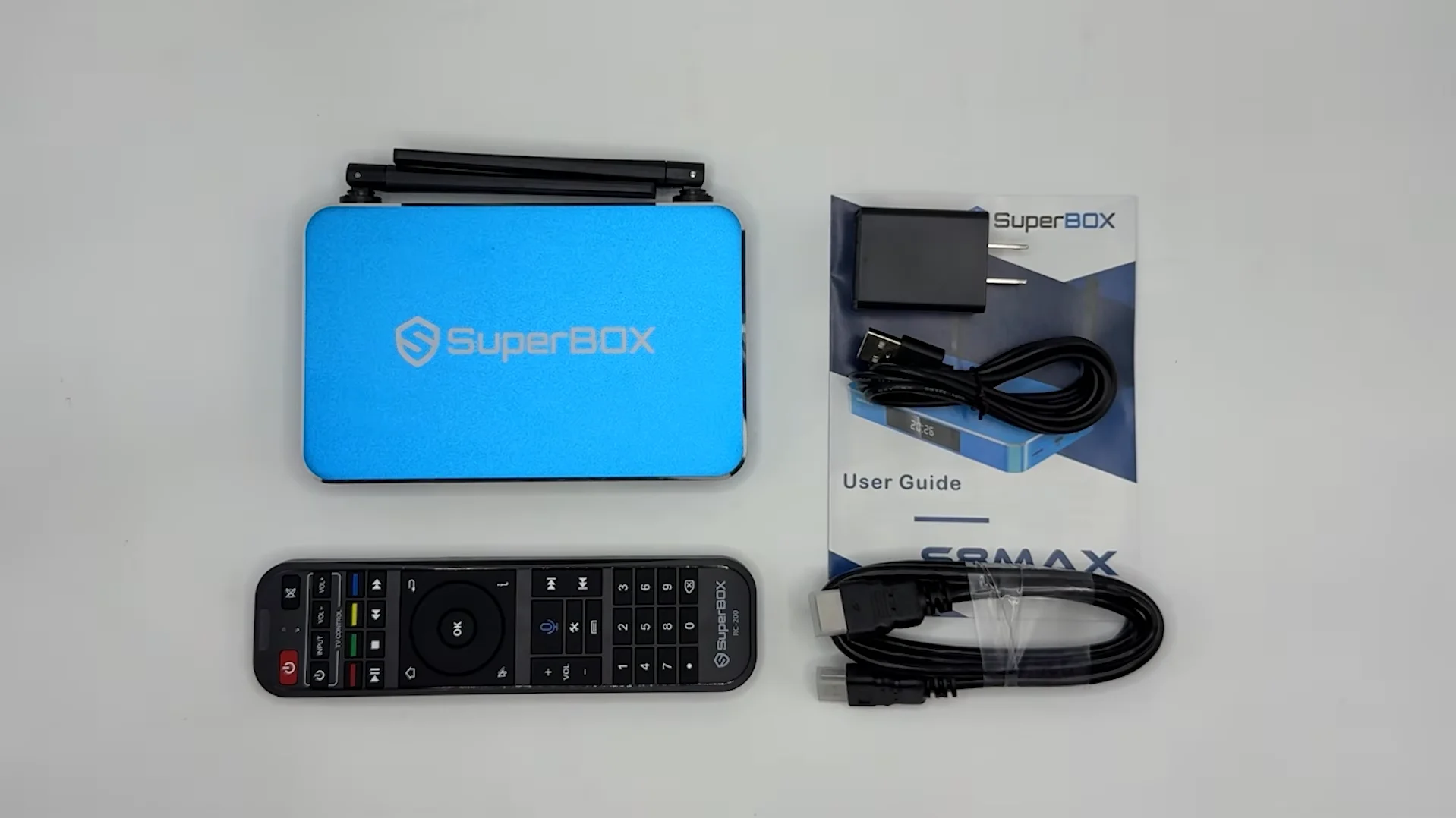
Setting up a SuperBox S8 ensures hardware durability thanks to its heavy-gauge aluminum chassis that resists accidental impacts. The Bluetooth voice remote allows non-technical guests of all generations to change channels or search for popular movies simply by speaking into the microphone. Hosts can use simple adhesive velcro straps to secure the compact box discreetly behind the television panel, keeping entertainment areas tidy and tamper-free.
Step-by-Step Installation Guide for Rental Hosts
Step 1: Select a Durable 4K Commercial Display
Purchase an affordable 50-inch to 65-inch 4K television from brands like Hisense, TCL, or Insignia. Prioritize displays with direct LED backlights and minimum three HDMI inputs.
Step 2: Connect the SuperBox to Primary HDMI
Connect the SuperBox S8 console to HDMI Port 1 using the included high-speed HDMI cable. Secure the console behind the television mount using heavy-duty hook-and-loop tape.
Step 3: Configure Power-On Input Default
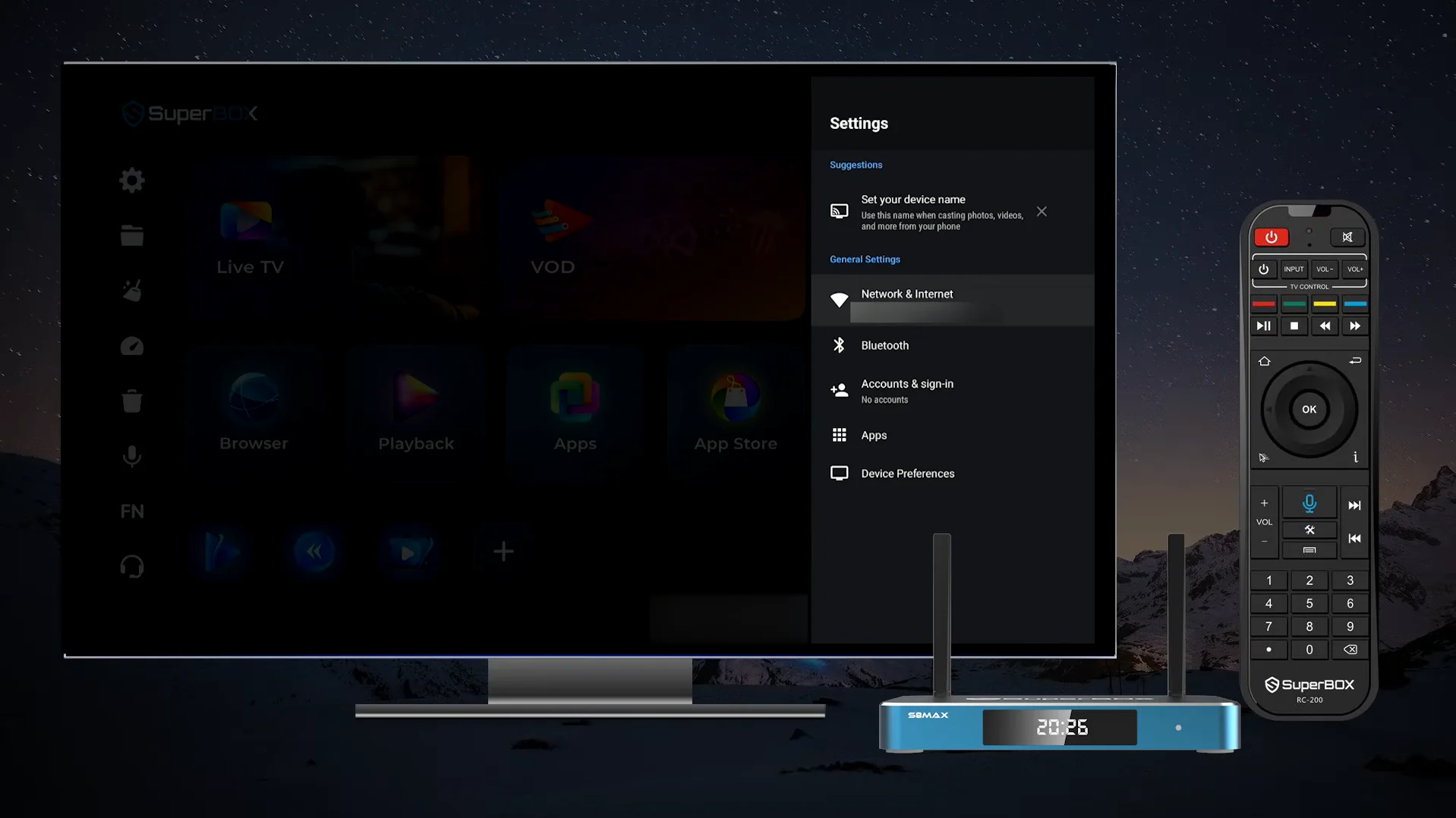
Access the television system settings menu and configure the display to turn on directly to HDMI 1 whenever powered on, ensuring guests are greeted immediately by the SuperBox home screen.
Step 4: Create a Simple One-Page Guest Guide
Print a laminated one-page instruction card placed neatly beside the remote control: “Press the Power button on the remote. Press the Microphone button and say ‘ESPN’ or your favorite movie title. Enjoy thousands of live channels and movies with our compliments!”
Frequently Asked Questions About Airbnb Television Setups
Can guests accidentally purchase pay-per-view movies on my credit card with a SuperBox?
No, the SuperBox ecosystem requires zero credit card attachments and has no billing mechanism, completely preventing accidental or unauthorized rental charges.
What should I do if a guest changes language or display settings?
You can easily restore factory defaults in less than two minutes from the Android system settings menu, or guide the guest remotely through quick menu navigation.
Does the SuperBox require high-speed internet in my rental property?
A standard broadband connection of twenty-five to thirty megabits per second is fully sufficient to deliver smooth, high-definition streaming for your guests.
Can guests still cast content from their personal smartphones?
Yes, the SuperBox supports standard wireless screen mirroring and casting protocols, allowing guests to share mobile photos and personal videos to the television screen easily.
How durable is the SuperBox remote in a vacation rental?
The remote is constructed from impact-resistant polymer and features durable silicone keys designed for long-term daily guest use.
What happens if a guest accidentally unplugs the box?
The SuperBox stores all configuration data in non-volatile flash memory and automatically boots back into its home screen interface as soon as power is reconnected.
Is the SuperBox legal for short-term rental properties?
Yes, the SuperBox is an open-architecture Android media receiver that connects to authorized cloud networks, making it completely legal to operate in private hospitality properties.
What if a guest needs help watching a specific live sports match?
The SuperBox electronic program guide categorizes sports channels by league and region, and guests can find specific games instantly using voice search.
Should I provide an over-the-air digital antenna as a backup?
While the SuperBox includes over two thousand live feeds including local network affiliates, having an inexpensive indoor digital antenna connected provides a zero-internet backup during rare weather outages.
Where can rental property owners order authentic SuperBox consoles?
Hosts should always purchase directly from authorized distributors like superboxs8.com under verification code SP20250414002 to ensure genuine hardware and full warranty coverage.
Final Thoughts on Equipping Your Airbnb Rental TV
A seamless and enjoyable guest entertainment experience is one of the easiest ways to earn glowing five-star reviews for your short-term rental property. Providing intuitive, hassle-free viewing that requires zero personal guest logins prevents support calls and accidental account lockouts.
Combining a robust, durable 4K display panel with a dedicated, user-friendly streaming device guarantees reliable entertainment for every guest. Setting up your vacation rental TV properly creates memorable stays that keep guests returning season after season.
The article was updated on:
