Knowledge SuperBox
Top VOD Apps for SuperBox S7 to Stream Movies and TV Series




Transforming your television into a private home theater starts with choosing the right video-on-demand applications. The SuperBox S7 series (including the S7 Pro, S7 Max, and S7 Ultra) runs on an open Android 12.0 platform, giving you instant access to a vast universe of cinema, classic series, and international entertainment. At superboxs8.com, our media testing team compiled this curated guide to the top VOD applications for your SuperBox S7, detailing their content libraries, features, and setup instructions.
Quick Guide Highlights
Primary Application: Blue VOD is the flagship pre-configured on-demand application downloaded from the home screen App Store, delivering over 15,000 movies and complete TV series collections with zero monthly subscription fees.
Secondary Applications: Backup VOD, Prime Video, Netflix, and ad-free YouTube alternatives like SmartTube provide additional entertainment redundancy.
Media Center Applications: VLC Media Player, MX Player, Plex, and Kodi offer advanced subtitle synchronization and local network streaming for personal home video libraries.
Overview of the Best VOD Applications for SuperBox S7
The beauty of the SuperBox S7 hardware lies in its versatility. Unlike closed streaming sticks that restrict you to a single corporate store, the S7 series provides full Android freedom alongside dedicated turnkey entertainment apps. Whether you want to watch the latest box-office releases in high definition or stream home video archives stored on a network-attached storage drive, the right apps make all the difference.
Leading the lineup is the official Blue VOD app, engineered specifically for the SuperBox hardware decoder to deliver smooth, high-bitrate streaming. When paired with secondary platforms like Kodi, Plex, and VLC, your SuperBox S7 becomes an all-encompassing media hub capable of playing virtually any video format in existence.
| VOD Application | Primary Content Focus | Subscription Cost | Key Features & Strengths |
|---|---|---|---|
| Blue VOD | 15,000+ Movies & TV Series | Free / Included Out of the Box | Fast search, multi-language subtitles, genre filtering |
| Backup VOD | Cinema, Classics & Cult Favorites | Free / Included Out of the Box | Redundant streaming servers for uninterrupted access |
| Kodi Media Center | Local & Network Video Libraries | Free Open-Source Software | Extensive add-on support, custom skins, audio passthrough |
| VLC for Android | Local USB & External Drive Files | Free Open-Source Software | Plays MKV, MP4, AVI with zero codec issues |
| SmartTube | YouTube Content & Live Streams | Free Open-Source Software | Ad-blocking, 4K 60fps playback, sponsor skipping |
| Plex Client | Personal Home Media Server | Free Basic / Optional Plex Pass | Remote streaming, beautiful artwork, automatic metadata |

Blue VOD Flagship Features and Navigation Tips
Comprehensive Movie and Series Catalog
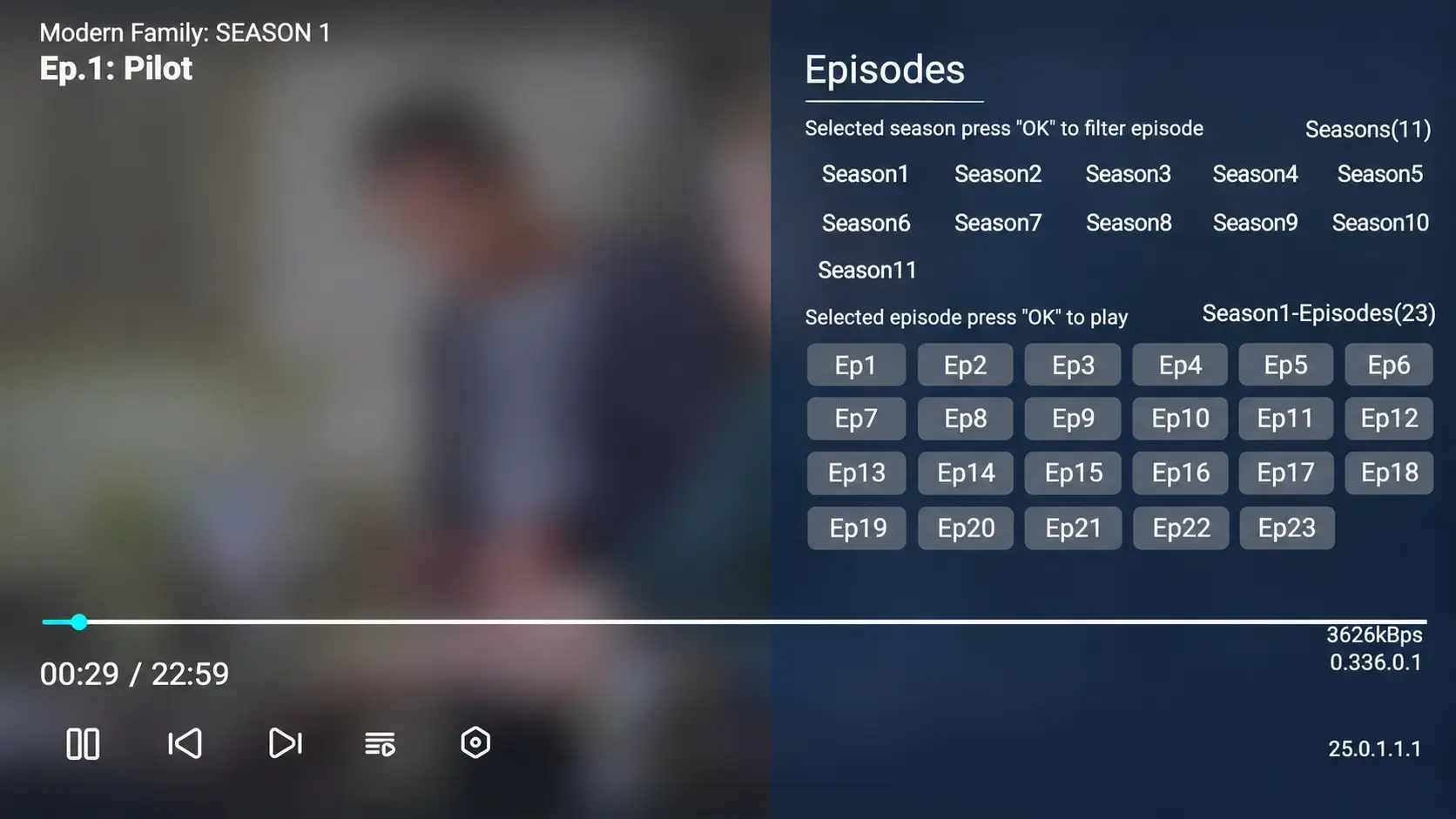
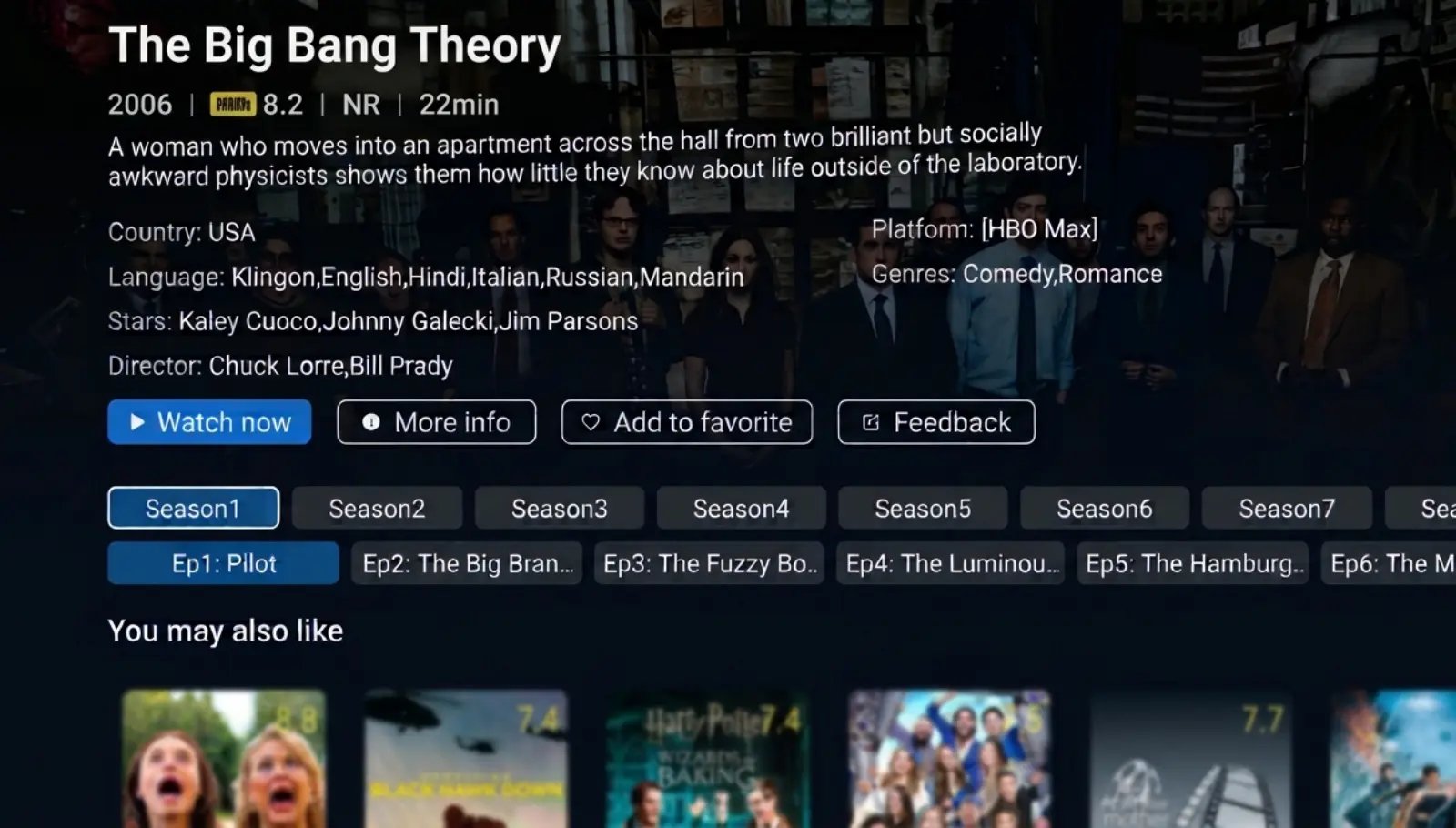
Blue VOD organizes more than 15,000 titles into clearly defined categories: Action, Comedy, Drama, Sci-Fi, Horror, Family, Documentaries, and Trending Now. Each title displays high-resolution cover art, release year, age ratings, synopsis, and cast lists. You can easily add titles to your personal Favorites list by pressing the Star or Menu button on your remote.
Multi-Language Subtitles and Audio Tracks
Watching foreign films or streaming at night with low volume is effortless in Blue VOD. Most titles feature built-in English and international subtitles. During playback, simply press the Subtitle button or the OK button on your remote, select the Subtitles icon, and choose your preferred language and text size.
Search and Voice Navigation
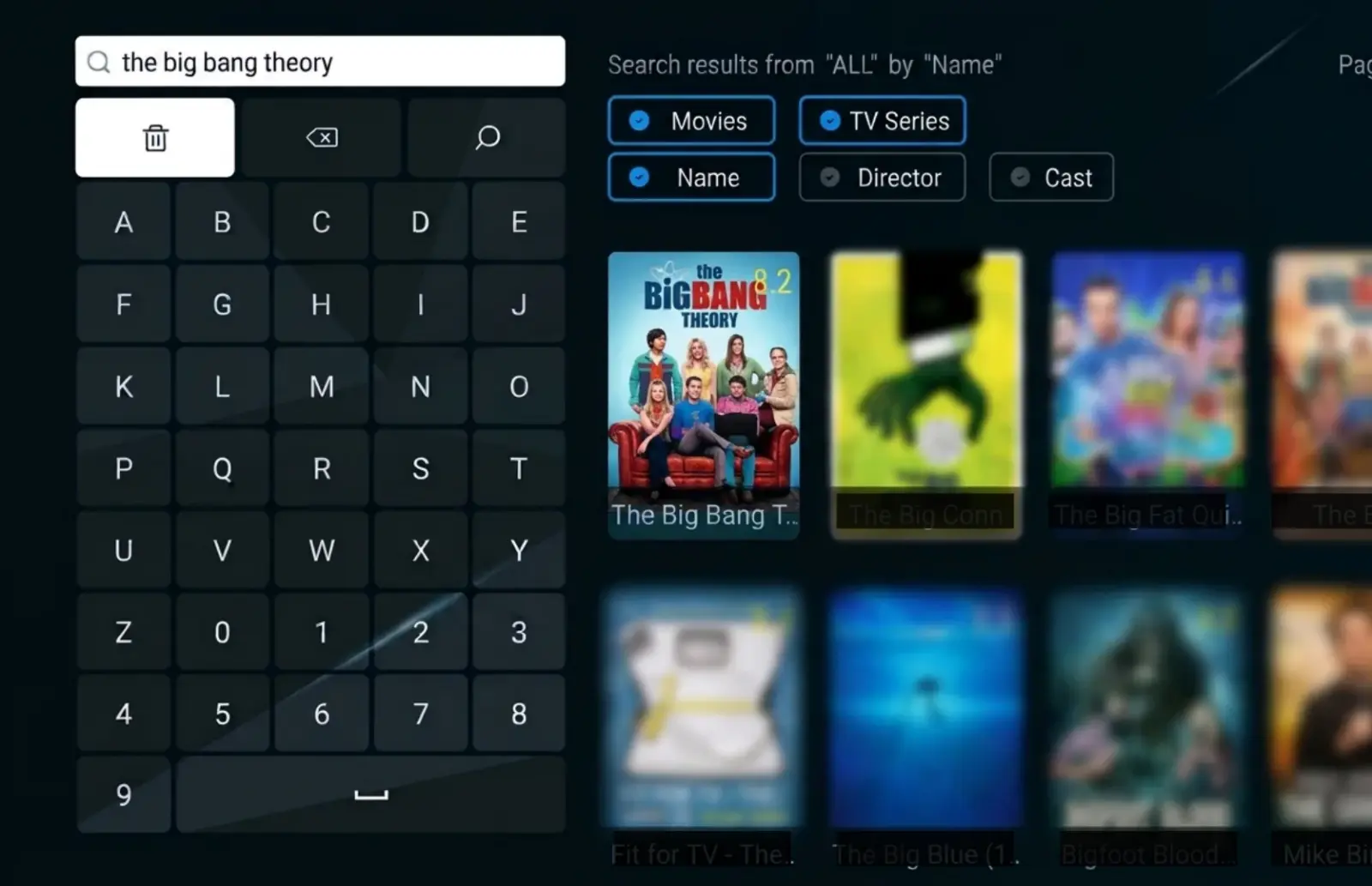
Finding your favorite actor or movie title takes only seconds. You can type keywords using the on-screen keyboard or press the Voice button on your remote to speak the name of the film directly into the microphone. Blue VOD searches through its vast catalog instantly and displays matching results on screen.

Powerful Secondary Media Center Applications
Kodi Media Center
Available through the App Store or via sideloading, Kodi is the premier open-source media platform for power users. It indexes your movie files, automatically retrieves movie posters, actor biographies, and plot summaries, and supports multi-channel Dolby audio passthrough to home theater receivers.
VLC for Android
VLC is the ultimate Swiss Army knife for local video playback. Whether you plug an external flash drive into the USB 3.0 port or stream over your local Wi-Fi network, VLC plays nearly all video container formats, including MKV, MP4, ISO, and AVI, without stuttering or dropped frames.
SmartTube for Ad-Free YouTube Streaming
For YouTube enthusiasts, SmartTube is an exceptional open-source video client developed specifically for Android TV boxes. It allows you to watch YouTube videos in crisp 4K Ultra HD at 60 frames per second without commercial video interruptions, complete with automated SponsorBlock integration.
How to Install and Update Applications on SuperBox S7
Step 1: Open the App Store from the Home Dashboard
On your SuperBox S7 home screen, navigate to the official App Store icon and click OK on your remote control. This dedicated app repository hosts verified versions of Blue TV, Blue VOD, Backup TV, Playback, and other essential tools.
Step 2: Download or Update Your Selected VOD App
Highlight the app you wish to install, such as Blue VOD, and click Install. If an update is available, an Update button will appear. The system will automatically download the installation package and install the latest version to your internal storage.
Step 3: Organize Your Apps on the Home Launcher
To keep your favorite apps readily accessible, navigate to the Plus (+) icon on your home screen app ribbon. Select your most frequently used apps to pin them directly to the main launcher for one-click access.
Official Hardware Assurance: Ensure optimal VOD streaming performance with an authentic SuperBox S7 box backed by full support at https://superboxs8.com/superbox-s7/s7-pro/.
Frequently Asked Questions
What is the primary VOD app on the SuperBox S7?
The primary on-demand application is Blue VOD, offering over 15,000 movies and complete TV series collections with zero monthly subscription fees.
Do I have to pay to use Blue VOD on the SuperBox S7?
No, Blue VOD is included with your SuperBox S7 purchase and requires no monthly subscription or payment credentials.
How do I turn on subtitles in Blue VOD?
While playing a movie or show, press the OK or Menu button on your remote, select the Subtitle icon, and choose your preferred language and font size.
Can I install Kodi on the SuperBox S7?
Yes, you can install Kodi directly from the App Store or sideload it to manage personal media collections and network streams.
How often is new content added to Blue VOD?
New movie releases and current television episodes are updated regularly over the cloud without requiring manual app reinstallation.
Can I watch 4K movies on Blue VOD?
Yes, many major movie titles are available in high-definition 1080p and 4K resolution on compatible televisions.
Where do I download updates for Blue VOD?
Open the App Store icon on your SuperBox home screen, locate Blue VOD, and click the Update button whenever a new version is released.
What should I do if a movie will not load in Blue VOD?
If a video fails to play, check your internet connection, clear the app cache in Android Settings, or try playing an alternative source or title.
Can I connect an external hard drive to play local movie files?
Yes, the SuperBox S7 features USB 3.0 and USB-C ports, allowing you to connect external hard drives and play files using VLC or Kodi.
Does Blue VOD include kids and family content?
Yes, Blue VOD includes extensive Family, Animation, and Kids sections featuring popular cartoons, educational shows, and classic family movies.
Conclusion
The SuperBox S7 series offers one of the most comprehensive video-on-demand streaming setups available on the market today. By combining the vast, turnkey catalog of Blue VOD with versatile media center apps like VLC, Kodi, and SmartTube, you can enjoy limitless entertainment tailored perfectly to your household.
Whether you want to binge-watch a complete drama series, enjoy a family animated movie, or stream private home video archives, your SuperBox S7 provides the processing power, storage, and software flexibility to make every movie night unforgettable.
The article was updated on:
