
Knowledge SuperBox S8
SuperBox S8 vs S6 Is Upgrading to the New Generation Worth It?





If you already own a SuperBox S6 and are wondering whether upgrading to the newer SuperBox S8 is worth your money, the short answer depends on how you watch television. Upgrading to the S8 series ($359 to $449) is definitely worth it if you love live sports and want to watch up to four games at once on a split screen, if you constantly miss live broadcasts and need the new 7-Day Playback feature to rewind shows from earlier in the week, or if your S6 buffers due to older Wi-Fi.
However, if your S6 is still working smoothly, you only watch one channel at a time, and you mainly use it for evening news or casual movies, your S6 is still perfectly fine and there is no urgent reason to replace it.
Quick summary: The SuperBox S8 is not just a cosmetic update; it solves the three biggest everyday frustrations S6 owners face. First, it replaces the restrictive 8-hour rewind with a full 7-Day Cloud Playback on over 120 major channels. Second, it adds Quad-Screen Multi-Viewing so sports fans can watch four live games side by side without channel flipping.
Third, it upgrades wireless performance to Wi-Fi 6 and adopts universal USB Type-C power. If those features solve problems you deal with every weekend, upgrading to the S8 will feel like night and day.
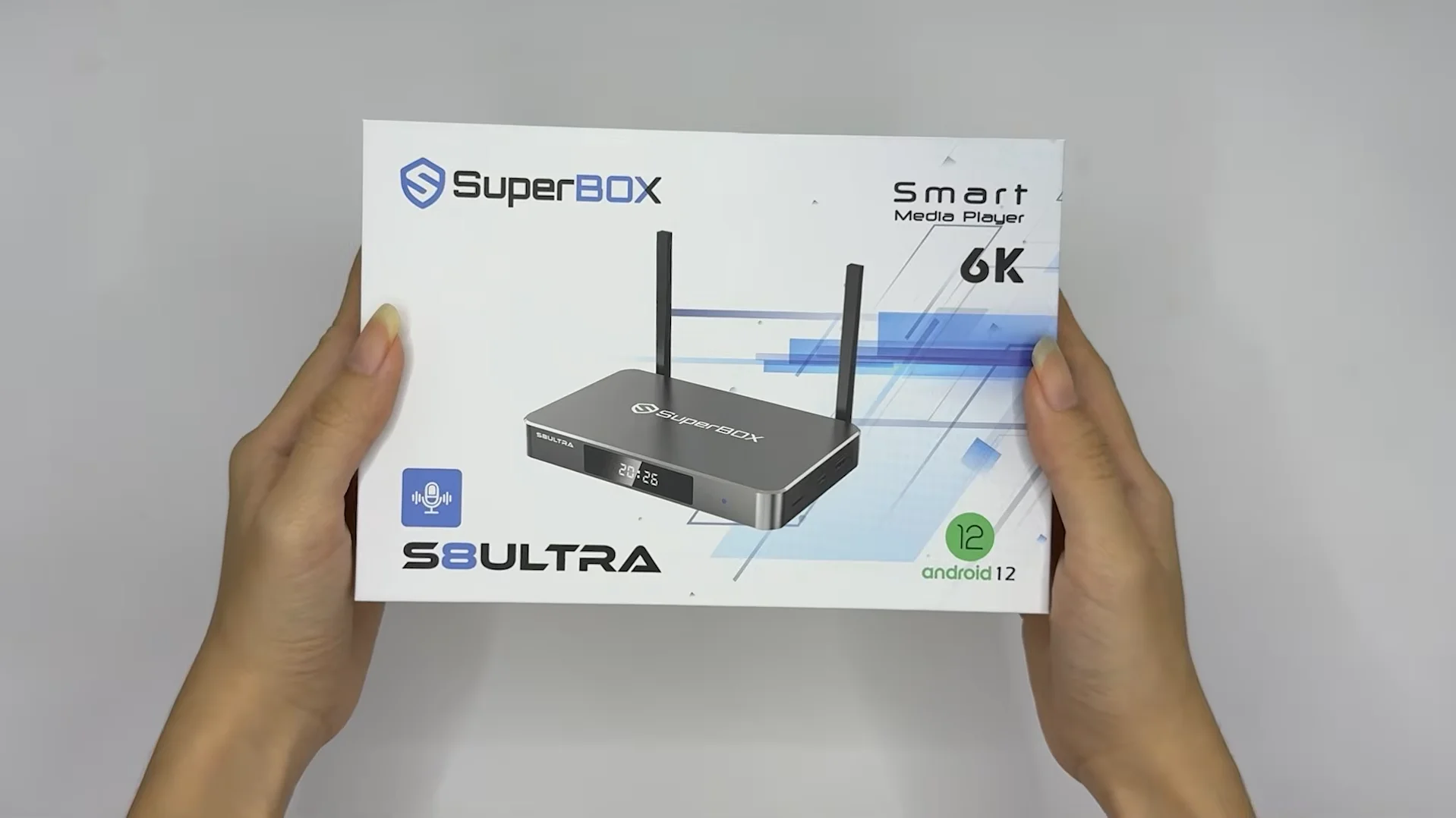
Quick Generational Comparison: What Changed from S6 to S8?
| Feature or Capability | SuperBox S8 Generation (2026 Flagship) | SuperBox S6 Generation (Legacy Series) | What This Means for You Every Day |
|---|---|---|---|
| Price Range | $359.00 – $449.00 USD | $299.00 USD | The S6 saves money upfront, while the S8 gives you newer software support and features |
| Live Channel Lineup | 2,000+ Live HD & 4K Channels | 1,200+ Live Channels | Over 800 additional local network affiliates, regional sports, and backup feeds |
| Movie & TV Show Library | 15,000+ to 20,000+ Titles | 10,000+ to 12,000+ Titles | Larger library with faster updates for newly released films and full television seasons |
| Playback Rewind Window | 7-Day Full Cloud Playback (120+ Channels) | 8-Hour Same-Day Buffer | Replay games and shows from earlier in the week instead of only earlier today |
| Multi-Screen Viewing | Up to Quad-Screen (4 live games at once) | Single Channel Playback Only | Watch four live sports feeds simultaneously on one TV without channel flipping |
| Dedicated Sports Features | Integrated Native NFL Hub (S8 Ultra & Max) | Standard Channel Guide Grid | Quickly see game times, live scores, and jump straight to active live feeds |
| Wireless Connectivity | Dual-Band Wi-Fi 6 (802.11ax) | Dual-Band Wi-Fi 5 (802.11ac) | Faster channel loading and less buffering when family members are online |
| Wired Network Port | 1000Mbps Gigabit RJ45 Ethernet | 1000Mbps Gigabit RJ45 Ethernet | Both boxes support high-speed wired connections for maximum stability |
| Power Supply Interface | Universal USB Type-C (Except S8 Plus DC) | Round Barrel DC Plug | Modern, reversible power cord that is easy to replace if misplaced or damaged |
| System Memory (RAM) | 4GB High-Speed RAM | 4GB RAM | Both generations provide plenty of memory for smooth day-to-day navigation |
| Storage Options | 32GB, 64GB, and 128GB Flash Storage | 32GB, 64GB, and 128GB Flash Storage | Equal storage tiers across both generations for apps and recorded media |
| Remote Control | Bluetooth 5.2 Voice Remote (Backlit on Ultra) | Standard Bluetooth Voice Remote | Soft backlit buttons on S8 Ultra let you easily find controls in a dark room |
| Monthly Subscription Fees | $0.00 / Month (Lifetime Access Included) | $0.00 / Month (Lifetime Access Included) | Zero monthly contracts, renewal fees, or hidden costs on both generations |
Real-World Differences You Will Notice Every Single Day
Looking past raw specification sheets, there are three practical physical improvements on the SuperBox S8 that directly solve everyday frustrations reported by S6 users.
The first noticeable improvement is everyday wireless reliability. Many households have their TV box located in a living room or bedroom a few rooms away from the main home router. The legacy S6 platform uses older Wi-Fi 5 networking, which can struggle when other family members stream 4K videos or download large files on phones and computers.
The S8 lineup integrates Wi-Fi 6 alongside dual high-gain external antennas. In everyday terms, this cuts channel-switching time down from 3 to 4 seconds on the S6 to approximately 1.5 seconds on the S8, while significantly reducing the spinning buffer wheel during peak evening hours.
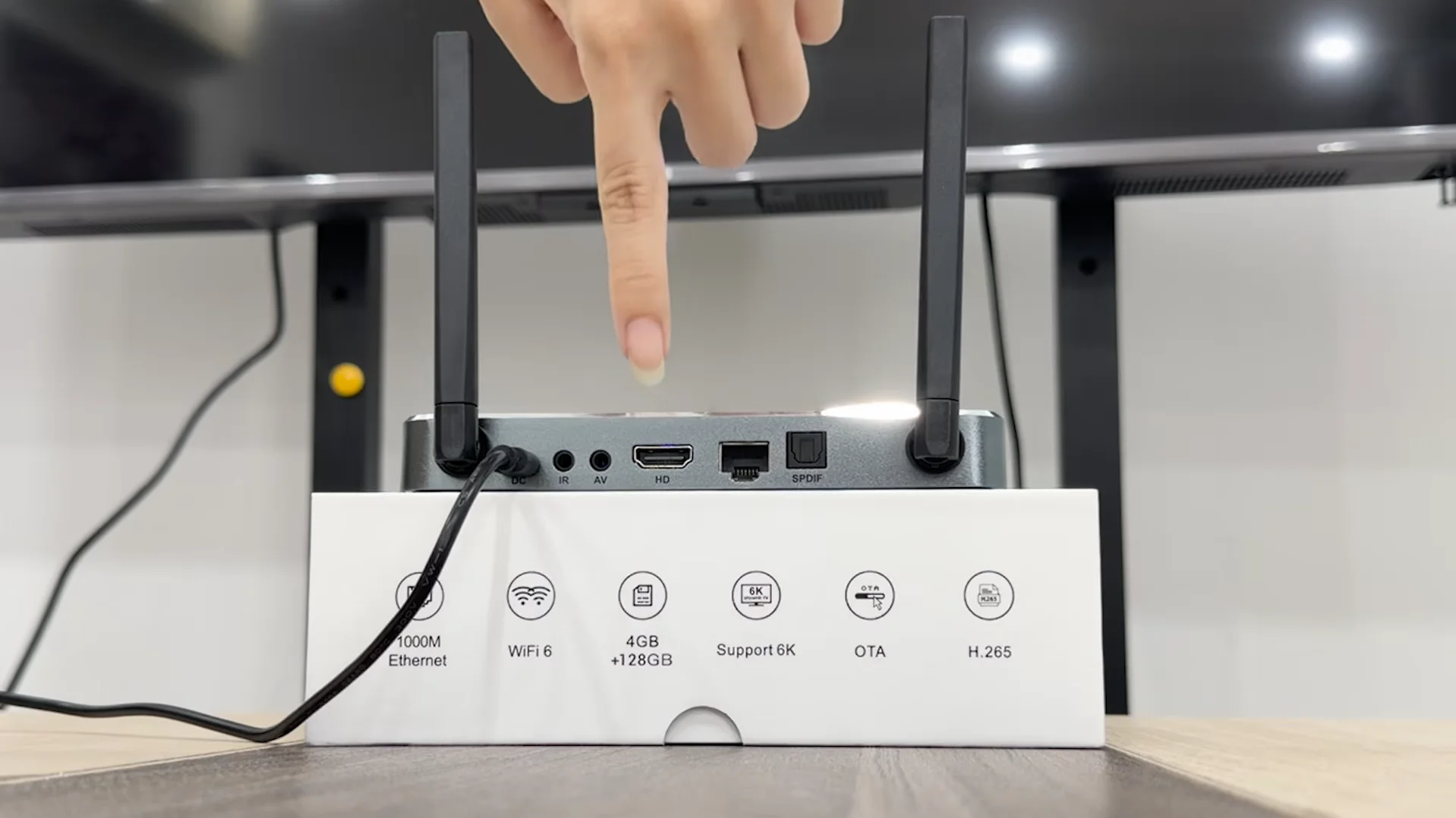
The second practical difference is the transition to modern USB Type-C power adapters. Anyone who has owned an S6 for a couple of years knows that round barrel DC plugs can wear out, loosen over time, or become difficult to replace if damaged by an electrical surge. With the exception of the S8 Plus, the newer S8 Pro, S8 Max, and S8 Ultra adopt standard USB Type-C power cables. If your cord ever gets damaged or chewed by a pet, you can easily plug in a standard Type-C power supply without having to search for a proprietary pin size.
The Software Upgrades: Solving Real TV Watching Frustrations
Watching up to four live games at once with Quad-Screen Multi-Viewing
If you follow sports, you know the frustration of having two or three major football, basketball, or baseball games happening at the exact same time. On the S6, you have to keep hitting the previous-channel button on your remote, constantly jumping back and forth and inevitably missing key plays.
The SuperBox S8 Ultra and S8 Max solve this completely with Quad-Screen Multi-Viewing. You can divide your television screen into two, three, or four live windows, streaming multiple live games simultaneously. You can easily highlight any quadrant to listen to that specific game’s audio while keeping an eye on the scores of the others. For fantasy sports players and sports-loving families, this single feature is often the biggest reason to upgrade.
Rewinding shows and games up to seven days with Cloud Playback
One of the most common complaints about the older S6 series is its 8-hour time shift limitation. If you work a late shift or spend Saturday outdoors, an 8-hour window only lets you rewind content broadcast earlier that same day. If you want to watch Friday night’s game on Sunday morning, you are out of luck.
The SuperBox S8 series expands this capability to a full 7-Day Cloud Playback archive covering more than 120 popular broadcast channels. You can open the program schedule guide, scroll back through the past seven days, and play back missed sporting events, news specials, or weekly series episodes on demand. Because the recordings stream directly from cloud servers, it does not use up any of your box’s internal storage memory.
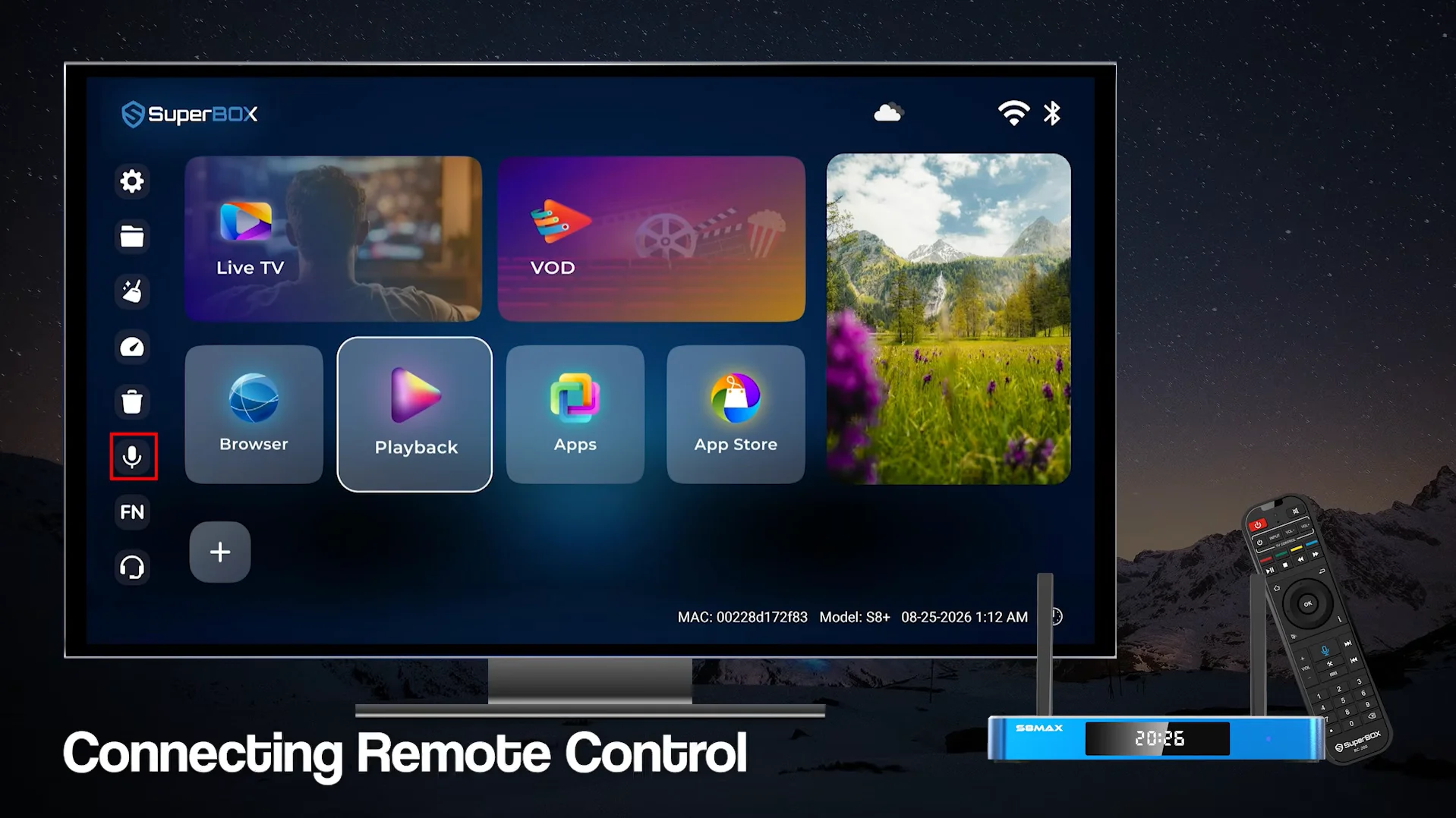
Live Channel Lineup: 2,000+ Channels vs 1,200+ Channels
Channel availability is the foundation of any cord-cutting device. While the S6 continues to deliver a respectable catalog of roughly 1,200 live channels, the S8 platform benefits from expanded server capacity that pushes total live channel availability past 2,000 feeds.
The extra 800 channels on the S8 make a tangible difference in three specific areas. First, local network affiliates for ABC, CBS, FOX, and NBC are far more comprehensive on the S8, ensuring you get your hometown news and weather no matter where you live across the United States or Canada.
Second, regional sports coverage is much broader, giving fans reliable feeds for regional college athletics, local baseball, and hockey broadcasts.
Third, the S8 includes secondary and tertiary backup streams for high-demand Pay-Per-View and championship sporting events, which prevents server overload when millions of viewers tune in at once.
Model Matching Guide: Which S8 Replaces Your Current S6?
Upgrading from S6 Pro to S8 Pro: The Smart Budget Choice
If you currently own a SuperBox S6 Pro ($299), moving to the SuperBox S8 Pro ($359) is a natural and affordable progression. For a modest $60 difference, you receive the full 2,000+ live channel library, modern USB Type-C power connectivity, standard Wi-Fi 6 wireless networking, and 7-Day Cloud Playback.
Both devices carry 32GB of internal flash storage and 4GB of RAM, making the S8 Pro an ideal replacement if you want updated software and faster channel switching without paying for high-tier storage you may not need.
Moving from S6 Max to S8 Max: The Sports Fan Sweet Spot
If you own a SuperBox S6 Max ($299), stepping up to the SuperBox S8 Max ($399) unlocks the true flagship capabilities of the new generation. While both models feature 64GB of onboard storage, the S8 Max gives you full-screen Quad Multi-Viewing across all channels, a native NFL sports dashboard with live scores, Wi-Fi 6, and modern Type-C power. For households with passionate sports followers who want to watch multiple games at once, the S8 Max delivers the ideal balance between price, features, and storage capacity.
Transitioning from S6 Ultra to S8 Ultra: The Ultimate Flagship
If you already own an S6 Ultra and want the very best hardware on the market, the SuperBox S8 Ultra ($449) is in a class of its own. While both units provide a spacious 128GB of internal flash storage for downloading movies and utility apps, the S8 Ultra stands apart with its premium backlit voice remote, heavy-duty Titanium Gray aluminum chassis for superior heat dissipation, and unrestricted Quad-Screen streaming. It is the definitive centerpiece for high-end 4K living rooms and dedicated home theaters.
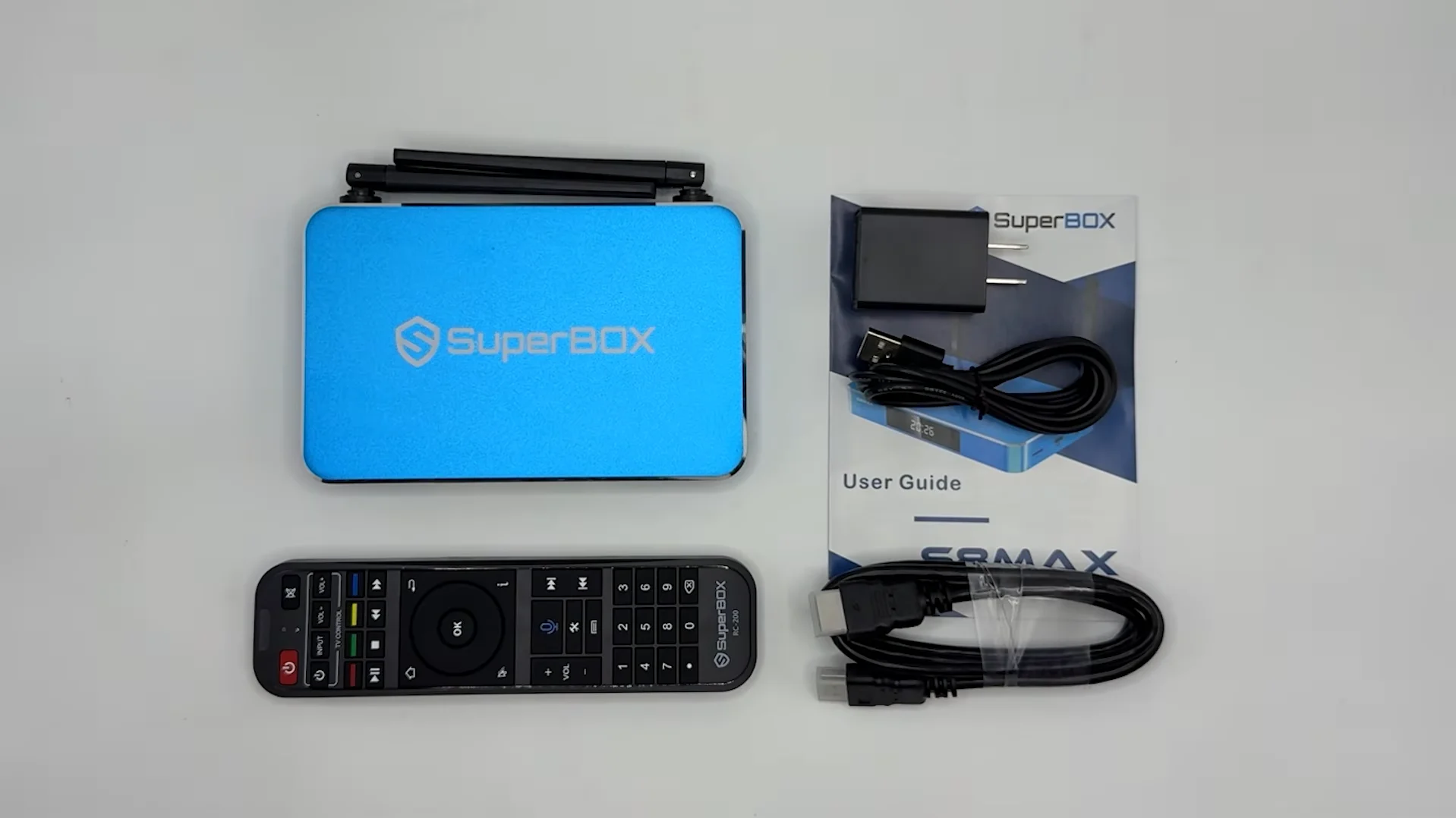
How to Make the Right Choice for Your Home?
You should upgrade to the SuperBox S8 if:
You frequently find yourself wanting to watch more than one live sporting event at the same time on weekends. You work unpredictable shifts or busy hours and regularly miss live evening television, making 7-Day Cloud Playback a genuine lifesaver. Your S6 experiences occasional buffering or slow channel loading because your home Wi-Fi network is crowded with family devices. You want modern USB Type-C power connectivity and a backlit remote that is easy to navigate in darkened rooms.
You should keep your SuperBox S6 if:
Your existing S6 console powers on reliably and streams your favorite daily news and television channels without annoying interruptions. You watch television casually, typically stick to one channel at a time, and do not follow multiple sports games simultaneously. You rarely feel the need to rewind television shows from previous days, making the basic 8-hour same-day buffer sufficient for your needs.
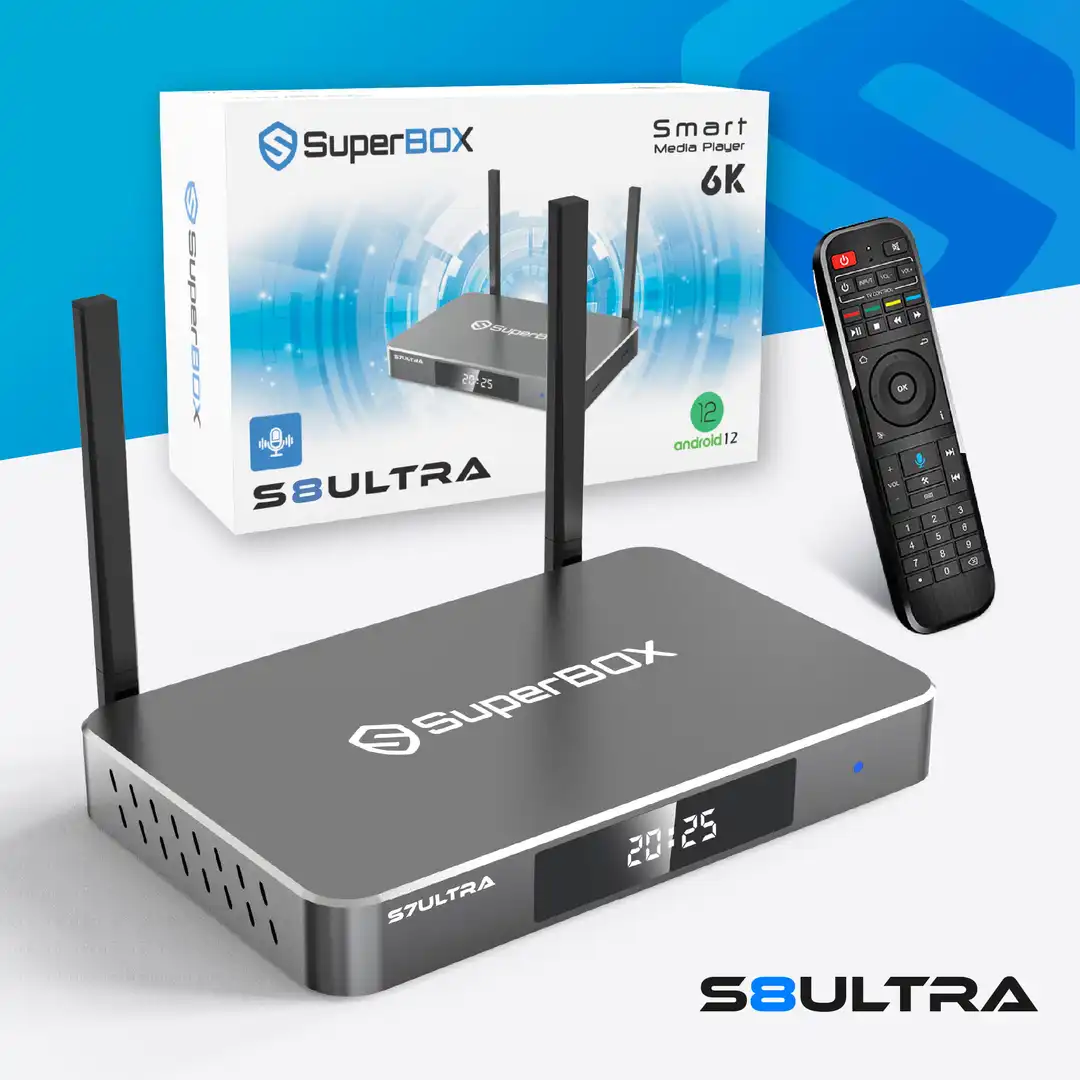 2026 Flagship Model
The ultimate home entertainment player engineered with Titanium Gray Aluminum alloy, 4GB RAM, massive 128GB Storage, Gigabit Ethernet, and Bluetooth 5.2 Backlit Voice Remote. Enjoy over 2,000+ Live Channels and 15,000+ Movies (VOD) with zero monthly subscription fees.
Why Buy From superboxs8.com?
Authorized Official SuperBox Online Distributor (Authorization Code: SP20250414002)
Frequently Asked Questions
Can I trade in my old SuperBox S6 when upgrading to the S8?
Trade-in allowances vary depending on current promotional campaigns. We recommend reaching out directly to our support team at customer@superboxs8.com to see if your working S6 qualifies for an upgrade discount.
Will my SuperBox S6 stop working now that the S8 is out?
No, your SuperBox S6 will continue to work for streaming live television and on-demand movies. The servers supporting the S6 platform remain online, though new application features like Quad Multi-View are exclusive to S8 hardware.
What is the single biggest practical difference between S8 and S6?
For most viewers, the biggest everyday differences are 7-Day Cloud Playback (allowing you to rewind shows from the entire past week) and Quad-Screen Multi-Viewing for watching multiple sports games simultaneously.
Does the SuperBox S8 require monthly subscription fees?
No, every SuperBox device, including both the newer S8 series and the older S6 models, comes with lifetime access included in the one-time hardware purchase. You will never be billed for monthly subscriptions or renewal fees.
Can the SuperBox S8 stream in true 4K resolution?
Yes, the S8 series includes hardware video decoders that support 4K Ultra HD at 60 frames per second, providing crisp picture quality and smooth motion when connected to a compatible 4K television.
Why is the SuperBox S8 Ultra priced higher than the S8 Pro?
The S8 Ultra ($449) comes with four times the internal storage (128GB vs 32GB), a backlit voice remote, unrestricted quad-viewing across all channels, a native NFL sports dashboard, and an aluminum metal casing.
Do all SuperBox S8 models use USB Type-C power cables?
The S8 Pro, S8 Max, and S8 Ultra all use universal USB Type-C power connections. Only the SuperBox S8 Plus retains a traditional round DC barrel connector.
Do I need a VPN to watch live sports on the SuperBox S8?
A VPN is not required for the box to work, but many users choose to run a VPN to prevent local internet providers from throttling video streaming speeds during high-traffic evening sports broadcasts.
What internet speed is recommended for the SuperBox S8?
A home broadband speed of 25 to 50 Mbps is recommended for smooth high-definition streaming. If you plan to stream four live games at the same time using Quad-Screen Multi-Viewing, 100 Mbps or higher is ideal.
How many live channels are on the SuperBox S8 compared to the S6?
The SuperBox S8 provides over 2,000 live channels, giving you more than 800 additional channels compared to the approximately 1,200 channels available on the legacy S6 series.
Conclusion: Final Verdict on SuperBox S8 vs S6
Deciding between the SuperBox S8 and the older S6 comes down to whether modern conveniences like multi-screen viewing, weekly show playback, and faster Wi-Fi match your streaming habits. If you simply turn on your television to watch the local evening news or catch a movie on weekends, your existing S6 remains a capable streaming box that requires no urgent replacement.
However, if you are a sports fan frustrated by having to choose between simultaneous games, a busy professional who constantly misses weekly primetime shows, or someone dealing with wireless buffering on older hardware, the SuperBox S8 is a worthwhile upgrade. With standard Wi-Fi 6, universal Type-C power, 7-Day Cloud Playback, and seamless Quad-Screen Multi-Viewing, the S8 generation delivers a much smoother, frustration-free entertainment experience for years to come.
The article was updated on:
