
Knowledge SuperBox
SuperBox S6 Ultra vs S8 Ultra: Which 128GB Flagship Should You Choose?





If you are deciding between the SuperBox S6 Ultra and the newer SuperBox S8 Ultra, both consoles offer 128GB of internal storage and 4GB of RAM, but the S8 Ultra delivers meaningful daily improvements that change how you watch television.
The S8 Ultra expands the channel lineup to over 2,000 live channels (compared to 1,200 on the S6 Ultra), introduces full quad-screen Multi-Viewing so you can watch up to four live games at once, and expands the catch-up buffer from just 8 hours to a full 7-Day Playback window on over 120 channels.
It also includes an illuminated backlit remote for dark rooms and a modern USB-C power connection. If you already own an S6 Ultra and only watch one channel at a time, it remains a reliable media player; but if you want flexible sports viewing, weekly show catch-up, and faster channel loading, upgrading to the S8 Ultra is well worth it.
Quick answer: The SuperBox S8 Ultra ($449) is the definitive upgrade over the S6 Ultra ($299), delivering over 2,000 live channels (vs 1,200), full quad-screen Multi-Viewing for sports, a 7-day cloud playback archive (vs an 8-hour buffer), an illuminated backlit remote, and modern USB-C power. If you already own an S6 Ultra and only stream single channels, it remains dependable; but for multi-game sports days, weekly show catch-up, and dark-room remote navigation, the S8 Ultra provides a substantially upgraded living room experience.
SuperBox S6 Ultra vs S8 Ultra Comparison at a Glance
Both devices represent the top-tier 128GB storage flagship of their respective generations. While both run on open Android software with zero monthly fees, their day-to-day viewing capabilities differ significantly.
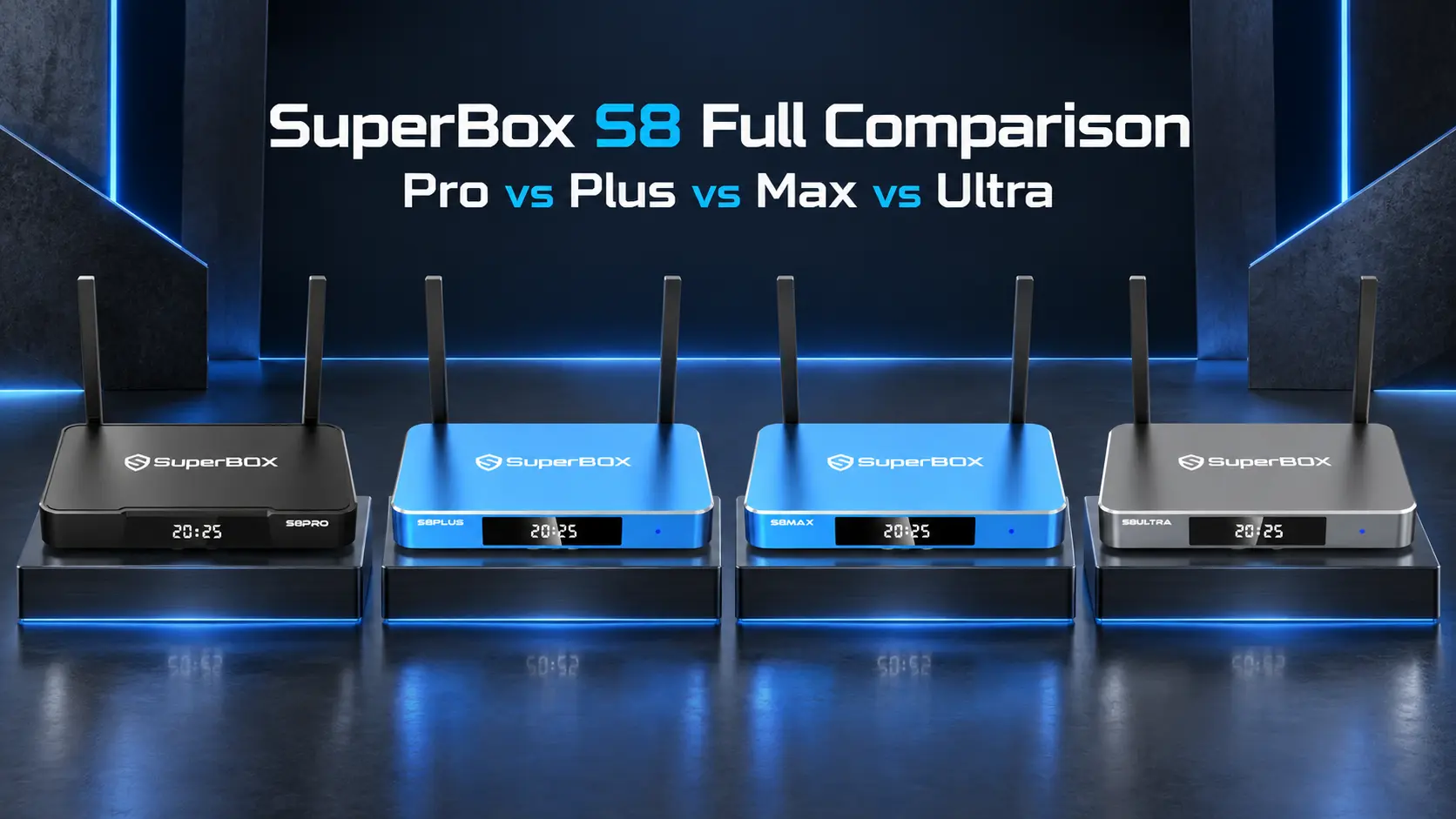
| Feature / Specification | SuperBox S8 Ultra (2026 Flagship) | SuperBox S6 Ultra (Prior Generation Flagship) | Practical Daily Difference |
|---|---|---|---|
| Current Retail Price | $449.00 USD | $299.00 USD (Discounted Clearance) | $150 savings on S6 Ultra vs latest software on S8 Ultra |
| Live Broadcast Channels | 2,000+ Live Channels (Blue TV) | 1,200+ Live Channels (Blue TV) | 800+ additional regional sports, news, and specialty feeds |
| Video On-Demand Library | 15,000+ to 20,000+ Titles | 10,000+ to 15,000+ Titles | Larger 4K cinema selection and faster weekly movie additions |
| Catch-Up / Playback Buffer | 7-Day Full Playback (120+ Channels) | 8-Hour Time Shift Buffer | Rewind shows from the past 7 days instead of today only |
| Multi-Screen Viewing | Quad Multi-Viewing (Up to 4 Screens) | Single Screen Only | Watch 4 live games at once on one TV display |
| Dedicated NFL Sports Hub | Integrated Native NFL App | Standard Channel Guide Only | Centralized game schedules, live scores, and red-zone streams |
| Internal Storage (ROM) | 128GB eMMC Flash Memory | 128GB eMMC Flash Memory | Tie (Huge local capacity for apps, media, and tools) |
| System Memory (RAM) | 4GB DDR High-Speed RAM | 4GB DDR3 RAM | Tie (Smooth multitasking and reliable buffer stability) |
| Remote Control Hardware | Bluetooth 5.2 Backlit Voice Remote | Standard Bluetooth Voice Remote (No Backlight) | Illuminated buttons allow easy navigation in the dark |
| Power Supply Interface | Universal USB Type-C (5V/2A) | Traditional Round DC Barrel Plug | Reversible connector and easy replacement with standard USB-C cables |
| Operating System | Android 12 OS (Optimized Dark UI) | Android 12 OS | S8 features faster menu transitions and cleaner app navigation |
| Network Connectivity | 1000Mbps Gigabit LAN + Wi-Fi 6 | 1000Mbps Gigabit LAN + Wi-Fi 6 | Tie (Stable high-speed wired and wireless streaming) |
| Monthly Subscription Fees | $0 / Month (Lifetime Access Included) | $0 / Month (Lifetime Access Included) | Tie (Zero recurring subscription bills or hidden charges) |
Live Channels and Video On-Demand: What Actually Changed?
When people buy a streaming box to cut cable, channel selection and day-to-day reliability are their primary concerns. You want to turn on the TV, find your local station, news broadcast, or regional sports game, and have it start playing immediately without buffering.
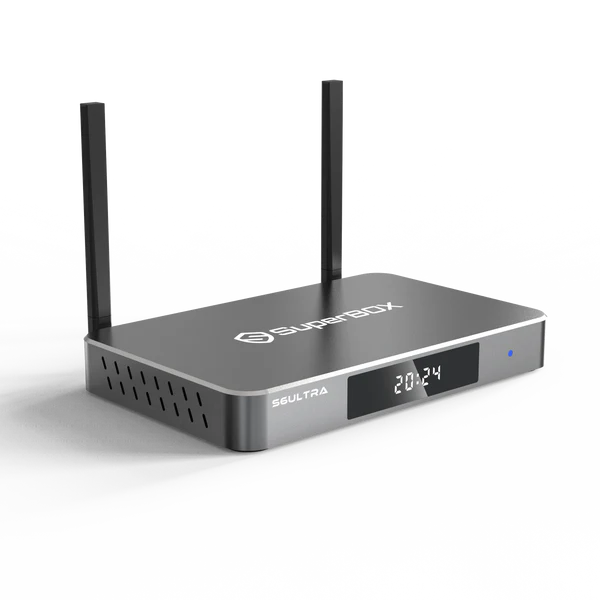
The SuperBox S6 Ultra launched with approximately 1,200 live broadcast channels inside Blue TV. That lineup covers major national networks (ABC, CBS, NBC, FOX, PBS), top cable channels (CNN, ESPN, HGTV, Discovery), and common movie channels, which easily handles standard television needs.
The SuperBox S8 Ultra expands this repository to over 2,000 live broadcast channels. The additional 800+ stations directly address the areas where long-time cord-cutters frequently requested more content:
- Regional Sports Networks (RSNs): Comprehensive local sports coverage across North America, letting you follow home teams even when living out of state.
- College Sports Feeds: Expanded packages covering smaller athletic conferences and collegiate tournaments.
- Canadian & International Regional Stations: Dedicated regional feeds across Ontario, Quebec, Alberta, and British Columbia, alongside expanded Spanish, French, and Asian language packages.
- Dedicated PPV Event Backup Streams: Multiple redundant server feeds that prevent slowdowns during major live boxing or mixed martial arts events.
On the movie side, both consoles include the Blue VOD application. While the S6 Ultra hosts between 10,000 and 15,000 titles with periodic library updates, the S8 Ultra expands to over 20,000 on-demand titles with an accelerated update schedule that delivers weekly cinema releases and fresh television episodes much faster.
Live Sports: Why Multi-Viewing Changes Sunday Game Days
On the SuperBox S6 Ultra, television operates strictly in single-channel mode. When multiple games overlap on Sunday afternoon, or when a championship fight coincides with a playoff basketball match, you are forced to cycle back and forth through the channel guide.
Because streaming channels require a moment to initialize their buffer, channel flipping often means missing crucial touchdowns, game-winning goals, or sudden finishes.
The SuperBox S8 Ultra eliminates this restriction with built-in Multi-Viewing inside Blue TV:
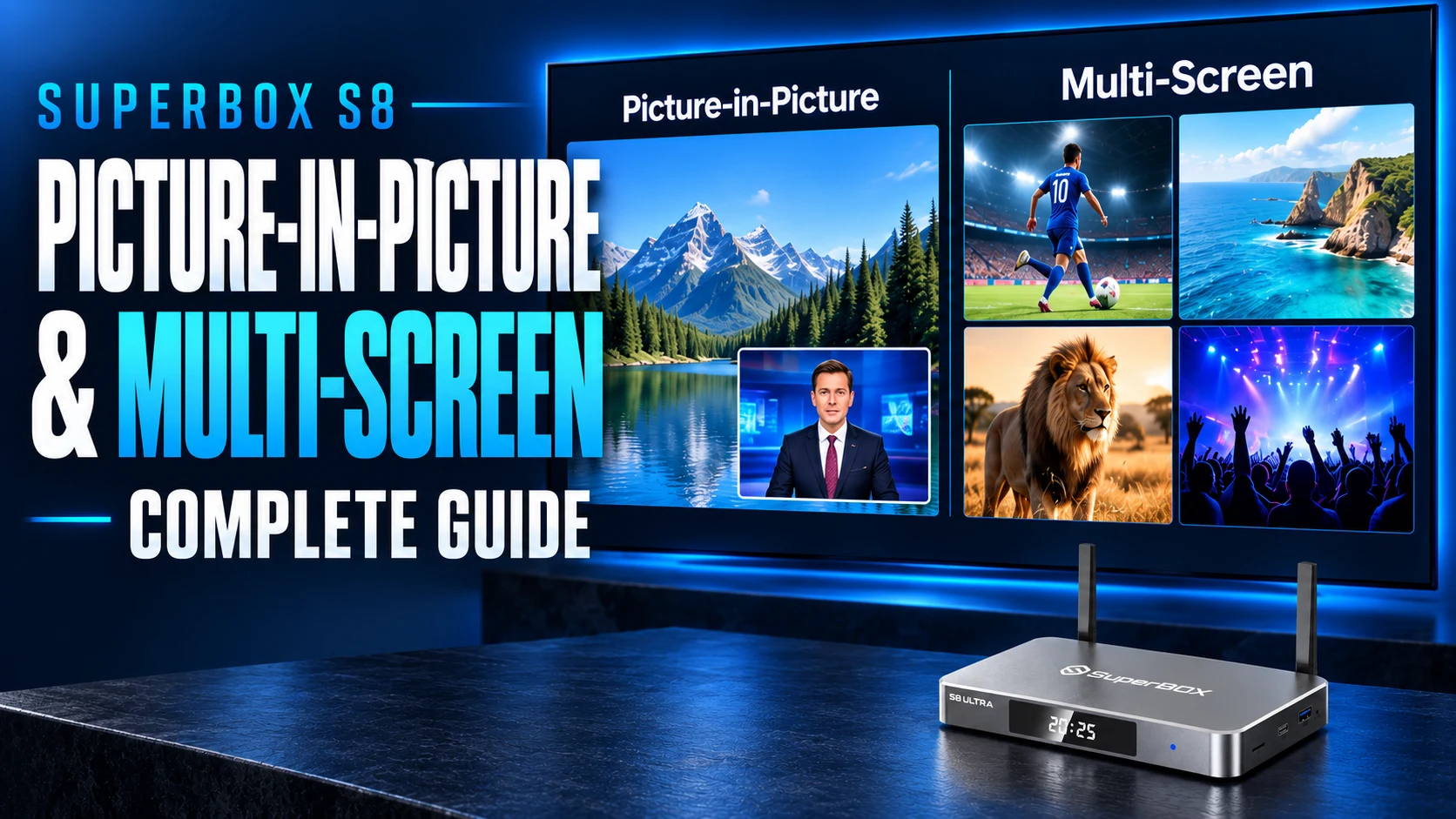
- Dual-Screen Mode: Divides your television display into two equal streams side by side, allowing you to follow your primary team while tracking a rival matchup.
- Triple-Screen Mode: Shows one prominent primary screen with two smaller stacked preview windows on the right side.
- Quad-Screen Mode: Splits your display into four equal quadrants, letting you stream four separate live games simultaneously on one television.
Controlling sound is seamless: using the directional pad on your remote, you simply move the focus outline to whichever window you wish to hear. The selected quadrant plays full audio through your soundbar or TV speakers while the remaining screens continue streaming fluid, real-time video silently. If a close game reaches the final minute, pressing OK expands that window to full screen instantly.
In addition, the S8 Ultra features an exclusive native NFL app on the home launcher. Instead of hunting through hundreds of guide listings, football fans can view the full weekly schedule, click directly into any game broadcast, view live divisional standings, and jump straight into commercial-free Red-Zone feeds with a single click.
Catch-Up TV: 7-Day Playback vs 8-Hour Time Shift
The SuperBox S6 Ultra includes an 8-hour Time Shift buffer. If you get home thirty minutes after a broadcast starts, you can rewind to the beginning. However, that buffer only extends backward eight hours, and it only applies to content broadcast earlier on that same day.
If you work late on a weekday and miss a prime time series, or if you spend Saturday away from home, the S6 Ultra cannot recover those broadcasts once the 8-hour window expires.
The SuperBox S8 Ultra solves this permanently with its dedicated 7-Day Playback application. Acting as an automated 168-hour cloud DVR across more than 120 popular channels, 7-Day Playback archives every broadcast for an entire week.
You can sit down on Sunday afternoon, select Tuesday or Thursday on the timeline, and replay any show, news broadcast, or sporting event with full fast-forward, rewind, and pause controls. Because all recordings reside on high-speed remote cloud servers, the feature uses zero space on your internal 128GB drive.
Remote Control and Daily Living Room Usability
The SuperBox S6 Ultra comes with a standard Bluetooth voice remote. While responsive and comfortable to hold, its buttons are completely unlit. In a dark room, adjusting the volume, pausing playback, or hitting the back button requires feeling around by touch or tilting the remote toward the light of your television screen.
The SuperBox S8 Ultra upgrades to a Bluetooth 5.2 Backlit Voice Remote with motion-activated illumination. Whenever you lift the remote from a coffee table or couch armrest, built-in sensors activate gentle white LED lighting beneath every button.
You can clearly read every function in pitch-black rooms, and the lighting turns off automatically after five seconds of inactivity to preserve battery life. The remote also incorporates infrared TV learning buttons that can power on your television and adjust master soundbar volume, eliminating the need to juggle multiple remotes.
Power Supply and Port Layout: USB Type-C Modernization
Behind your entertainment center, physical connections dictate long-term durability and cable management ease.
The SuperBox S6 Ultra relies on a traditional cylindrical DC barrel power plug. While functional, barrel plugs carry proprietary tip dimensions, meaning a damaged cable requires ordering a specific replacement power brick online. The bulky plug can also obstruct adjacent outlets on crowded power strips.
The SuperBox S8 Ultra upgrades to an industry-standard USB Type-C 5V/2A power connection. The reversible Type-C connector is easy to insert behind wall-mounted TVs without looking, and replacement cables or power adapters can be purchased at any local electronics store if needed.
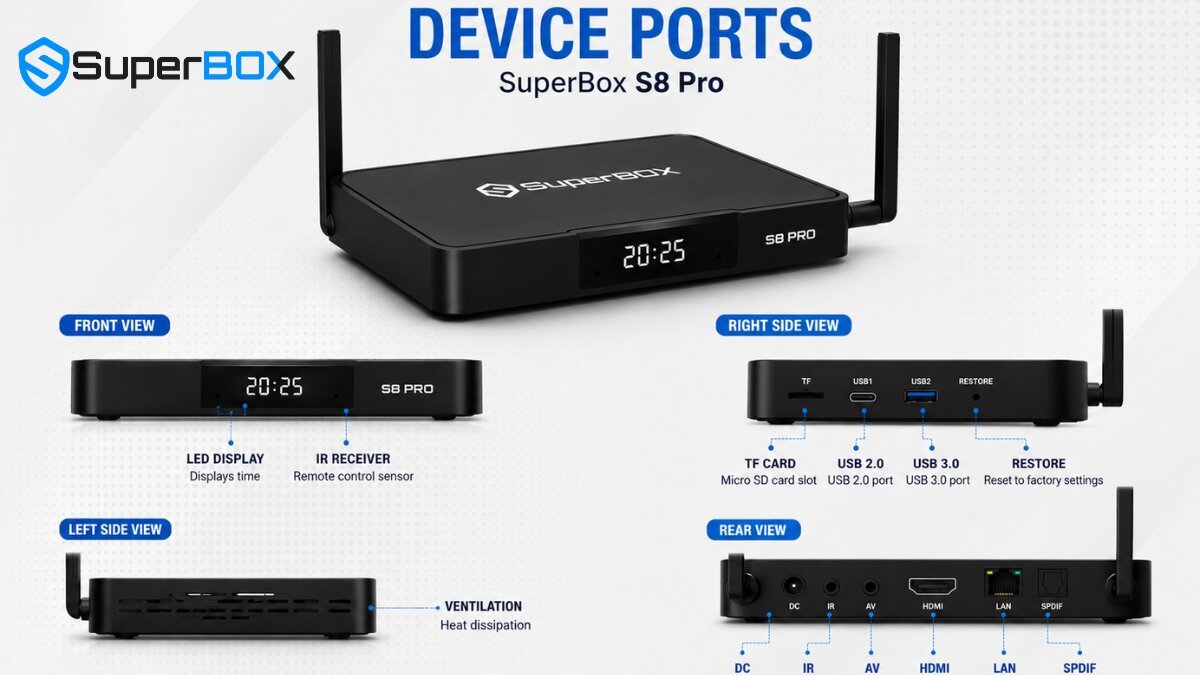
Both consoles provide an identical, generous selection of peripheral ports:
- 1000Mbps Gigabit RJ45 Ethernet Port: Delivers maximum wired network speed and immunity from Wi-Fi interference.
- USB 3.0 & USB 2.0 Ports: Support external storage drives, wireless keyboard dongles, and air mice.
- HDMI 2.1 Video Port: Delivers smooth 4K and 6K video output up to 60 frames per second.
- MicroSD Card Expansion Slot: Provides additional local storage for personal media libraries.
What Does 128GB Storage Actually Mean for You?
Both the S6 Ultra and S8 Ultra feature 128GB of internal eMMC flash memory alongside 4GB of system RAM. In a streaming device market where standard dongles often limit users to 8GB or 16GB, 128GB provides virtually unlimited headroom.
On budget streaming devices, users frequently encounter frustrating “Storage Almost Full” warnings after downloading just a handful of applications. App updates fail, cache accumulates, and system navigation slows down.
With 128GB on either Ultra model, pre-installed software consumes roughly 8GB to 10GB, leaving over 115GB of free space. You can install custom media centers like Kodi with expansive artwork skins, dozens of streaming utilities, retro gaming emulators with complete ROM collections, and personal video files without ever seeing a storage warning. Because both devices share identical memory and storage specifications, storage capacity alone is not a reason to upgrade—the real advantages of the S8 Ultra lie in channel variety, sports multi-viewing, and weekly playback.
Practical Troubleshooting: How to Keep Your Box Running Smoothly
Step 1: Optimize Your Network Connection
While both models support Wi-Fi 6, live video streaming requires steady, uninterrupted data throughput rather than periodic high-speed bursts. For the most dependable playback during live pay-per-view events and Sunday football games, connect your box directly to your router using an Ethernet cable into the 1000M Gigabit port. If you must use Wi-Fi, connect to your router’s 5GHz frequency band rather than 2.4GHz to minimize wireless interference.
Step 2: Clear Application Cache Periodically
Over months of browsing movie artwork in Blue VOD and streaming channels in Blue TV, temporary cache files accumulate in memory. Open the device Settings, select Apps, choose Blue TV or Blue VOD, and click Clear Cache. Performing this simple maintenance step once every few weeks prevents app sluggishness without deleting your saved favorites.
Step 3: Monitor Real-Time Network Speed in Playback Settings
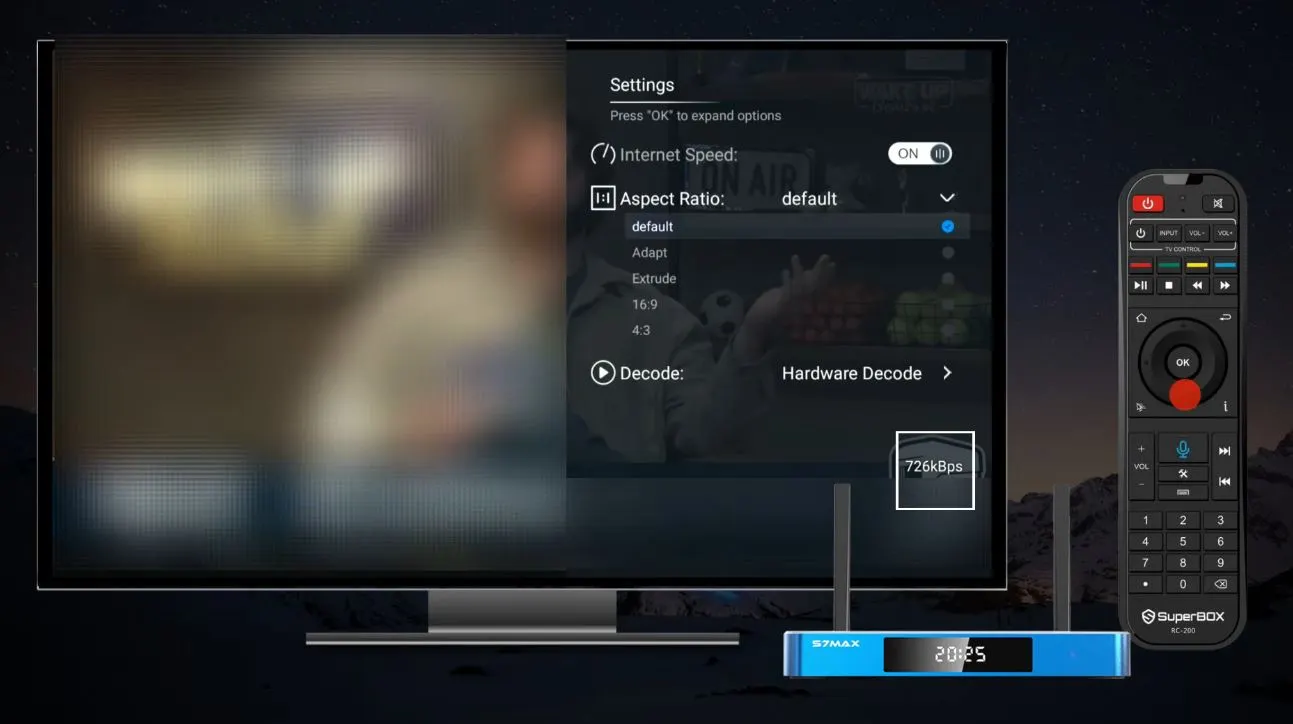
If you ever experience buffering while watching a replay, open the in-app Settings inside Playback and turn on Internet Speed Status. The on-screen indicator displays live bandwidth arriving at your box. If the speed reads below 15 Mbps, rebooting your internet router and set-top box will typically clear local network congestion and restore full-speed playback.
Buying and Upgrading Guide: Which Model Should You Choose?
Keep or Buy the SuperBox S6 Ultra ($299.00 USD) If:
- You already own an S6 Ultra and it continues to meet your daily entertainment needs.
- Your household primarily watches television one channel at a time and has no need for multi-screen sports splitting.
- You want 128GB of local storage and core live television access while keeping your initial purchase under $300.
- You are furnishing a secondary bedroom, basement workshop, or guest room where premium sports features are unnecessary.
Upgrade to or Buy the SuperBox S8 Ultra ($449.00 USD) If:
- You are a passionate sports fan who wants quad-screen Multi-Viewing to stream up to four live games simultaneously.
- You want the dedicated native NFL sports dashboard with automated kickoff schedules and red-zone streams.
- You want 7-Day Playback on over 120 channels so you can watch any missed show or game from the past week whenever your schedule allows.
- You want the expanded 2,000+ live channel catalog with comprehensive Regional Sports Networks.
- You watch television in low-light environments and value an illuminated backlit remote control.
- You prefer modern USB Type-C power connectivity and want the latest 2026 operating platform for your primary living room television.
Frequently Asked Questions
Does the SuperBox S6 Ultra or S8 Ultra require a monthly subscription fee?
No. Neither the SuperBox S6 Ultra nor the SuperBox S8 Ultra requires recurring monthly subscription fees, service contracts, or activation bills. Both devices provide lifetime access to their integrated Blue TV, Blue VOD, and Playback applications as part of your one-time hardware purchase.
Can I upgrade my SuperBox S6 Ultra to get Multi-Viewing through a software update?
No. Multi-Viewing requires specialized multi-channel hardware decoding buffers, expanded memory pipelines, and custom firmware architecture engineered specifically for the S8 platform. The S6 Ultra hardware was designed strictly for single-channel stream decoding and cannot support split-screen playback.
How many live channels do the S6 Ultra and S8 Ultra actually have?
The SuperBox S6 Ultra provides approximately 1,200 live broadcast channels covering major American networks, news, basic cable, and popular movie channels. The SuperBox S8 Ultra expands this catalog to over 2,000 live channels, adding extensive Regional Sports Networks (RSNs), college athletics, Canadian regional feeds, and international packages.
Can I pair the S8 Ultra backlit remote with my older S6 Ultra box?
Yes. Both the S6 Ultra and S8 Ultra use standard Bluetooth 5.2 connectivity. If you purchase an S8 backlit remote separately, you can pair it with an S6 Ultra to enjoy illuminated keys and standard navigation. However, the dedicated Multi-Screen shortcut button on the remote will not activate multi-viewing on the older S6 hardware.
How does the 7-day playback on S8 Ultra compare to the S6 Ultra time shift?
The S6 Ultra offers an 8-hour Time Shift buffer that allows you to pause or rewind programs broadcast earlier today on the active channel. The S8 Ultra features a dedicated cloud Playback application that automatically archives all broadcasts across more than 120 major channels for seven full days (168 hours), letting you rewatch any program from the past week without setting a manual recording.
Can I use the SuperBox S6 Ultra or S8 Ultra outside the United States and Canada?
Yes. Both devices function internationally wherever a stable, high-speed broadband internet connection is available. You do not need a VPN for standard viewing in North America. When traveling abroad or using overseas hotel internet networks, connecting to a reputable VPN service ensures smooth access to domestic North American broadcast servers.
What internet speed do I need for smooth streaming on both devices?
For standard high-definition streaming, a steady internet speed of 25 to 30 Mbps is recommended. For high-bitrate 4K streaming or running quad-screen Multi-Viewing on the S8 Ultra (which decodes four simultaneous video streams), a connection speed of 75 to 100 Mbps or higher over wired Gigabit Ethernet or 5GHz Wi-Fi ensures optimal stability without buffering.
Does either device let me record live TV onto an external USB drive?
Yes. Both consoles include high-speed USB 3.0 ports. You can insert a formatted USB 3.0 flash drive or external portable hard drive to store manual recordings or play personal video files, music libraries, and photos through installed Android media players like VLC or Kodi.
Why did SuperBox switch from a DC barrel plug to USB Type-C on the S8 Ultra?
The switch to USB Type-C 5V/2A modernizes the hardware to match standard consumer electronics. Type-C cables are completely reversible, making them easier to connect behind dark television cabinets. In addition, replacement Type-C cables and 5V/2A adapters are widely available at local stores if a cable is ever damaged or misplaced.
If I already have a working S6 Ultra, is it worth upgrading to the S8 Ultra?
If you only watch one channel at a time, follow basic cable networks, and rarely miss scheduled broadcasts, your S6 Ultra will continue serving your needs well. However, if you are an active sports viewer who wants to watch multiple games simultaneously, want access to Regional Sports Networks, value 7-day catch-up television, or want an illuminated remote for night viewing, the S8 Ultra provides a substantially upgraded daily entertainment experience that justifies the upgrade.
Conclusion
Both the SuperBox S6 Ultra and SuperBox S8 Ultra deliver on the core promise of cord-cutting: dependable live television and a massive on-demand movie library with zero recurring monthly subscription bills. With 128GB of internal flash storage on either console, you will never have to worry about low-storage errors or sluggish application performance.
However, the generational advancements on the SuperBox S8 Ultra directly address the daily friction points that cord-cutters encounter most often. The addition of quad-screen Multi-Viewing eliminates game-time scheduling conflicts for sports fans. The 7-Day Playback feature frees you from the stress of rigid broadcast schedules.
Together with the motion-activated backlit remote, accelerated content server routing, and universal USB Type-C power connectivity, the SuperBox S8 Ultra stands as the most complete, future-proof home entertainment centerpiece available today. If your budget permits, stepping up to the S8 Ultra ($449.00 USD) delivers tangible everyday improvements that make every dollar of the upgrade worthwhile.
The article was updated on:
