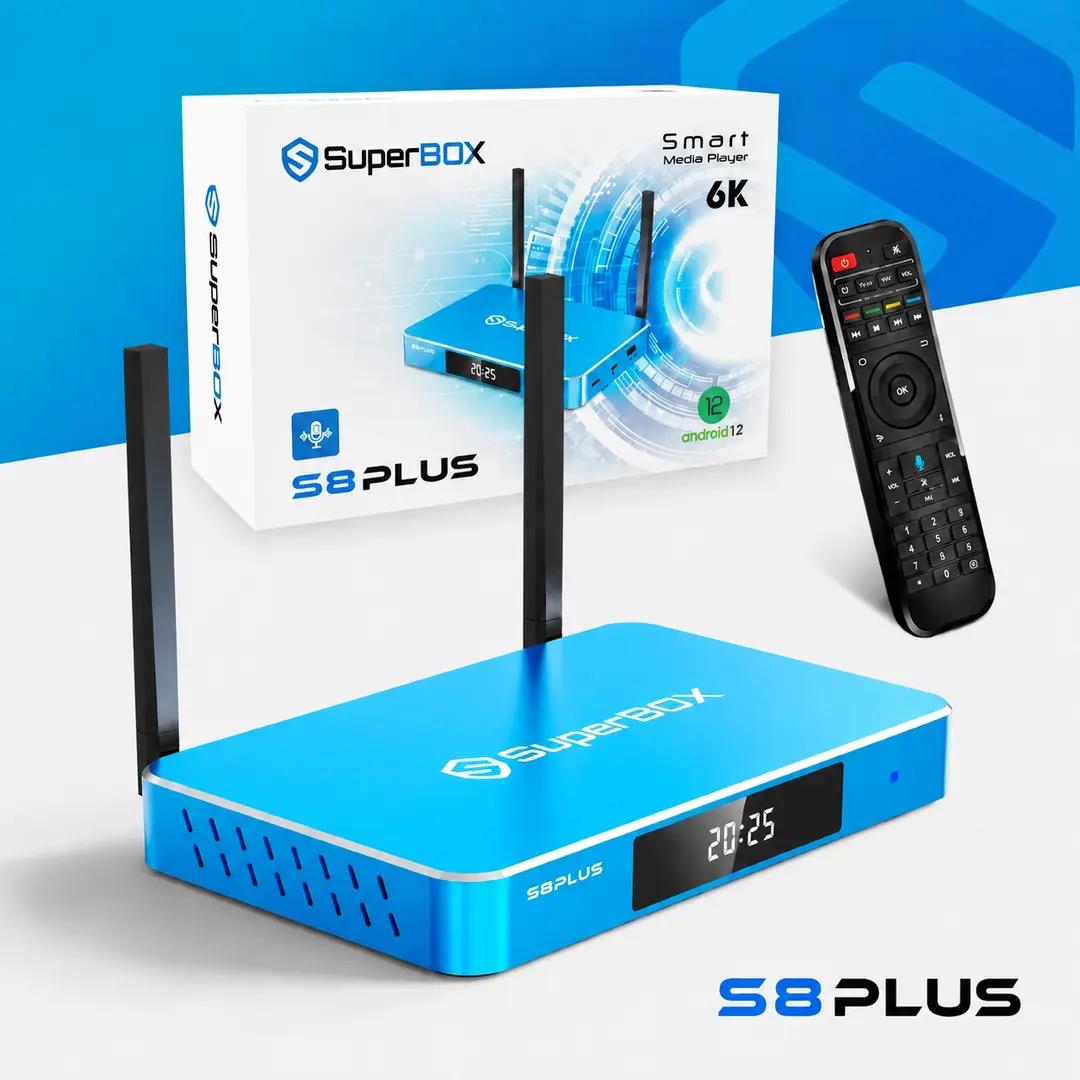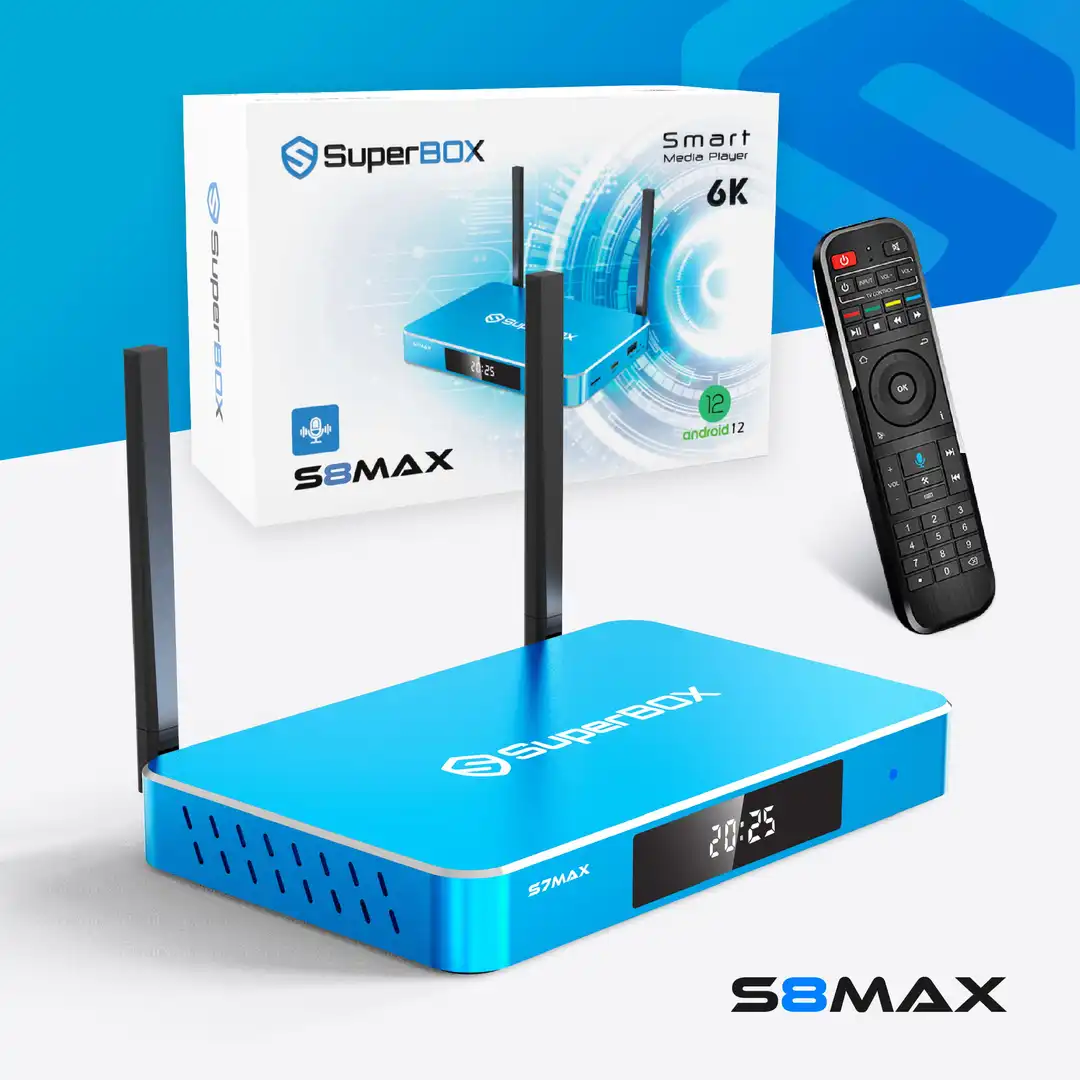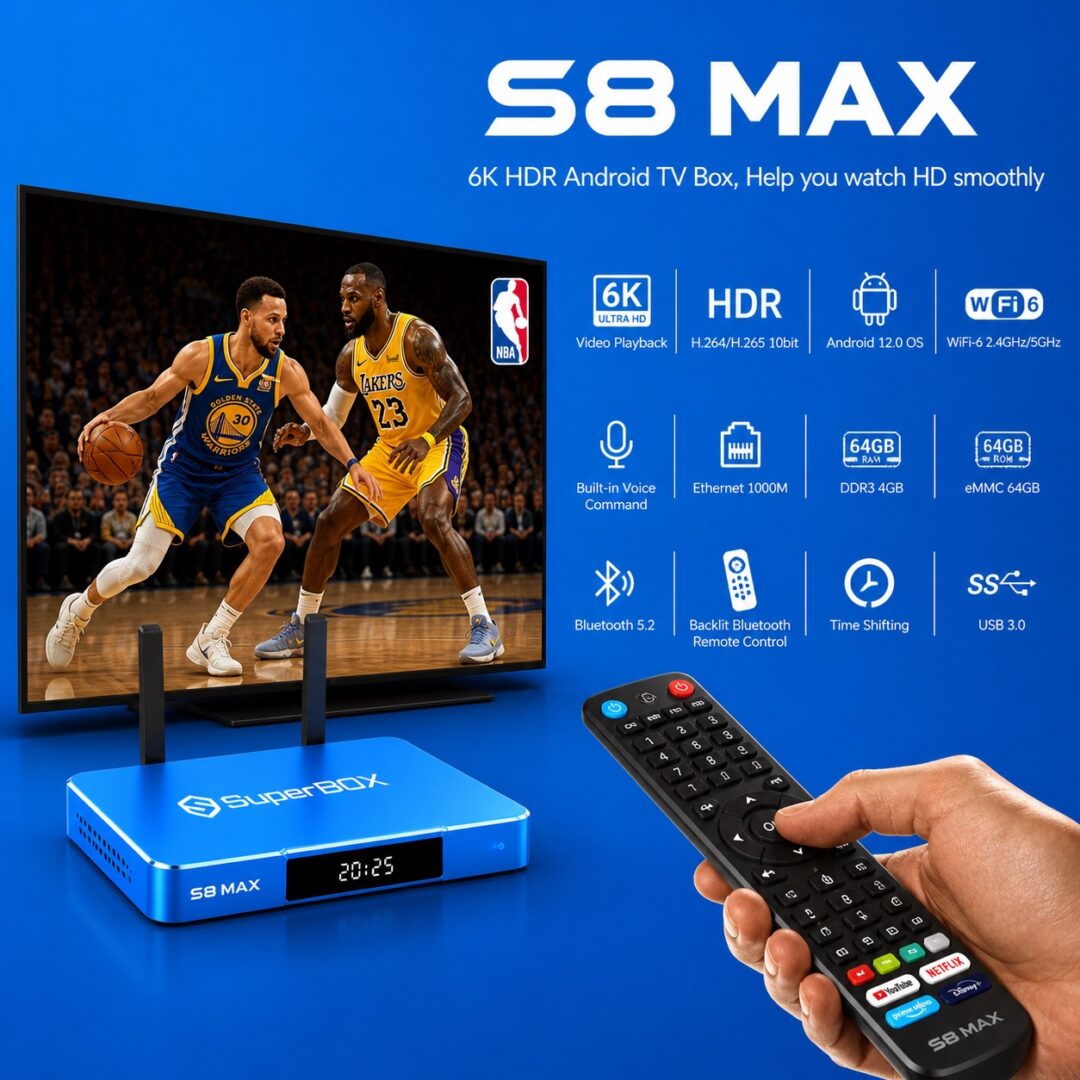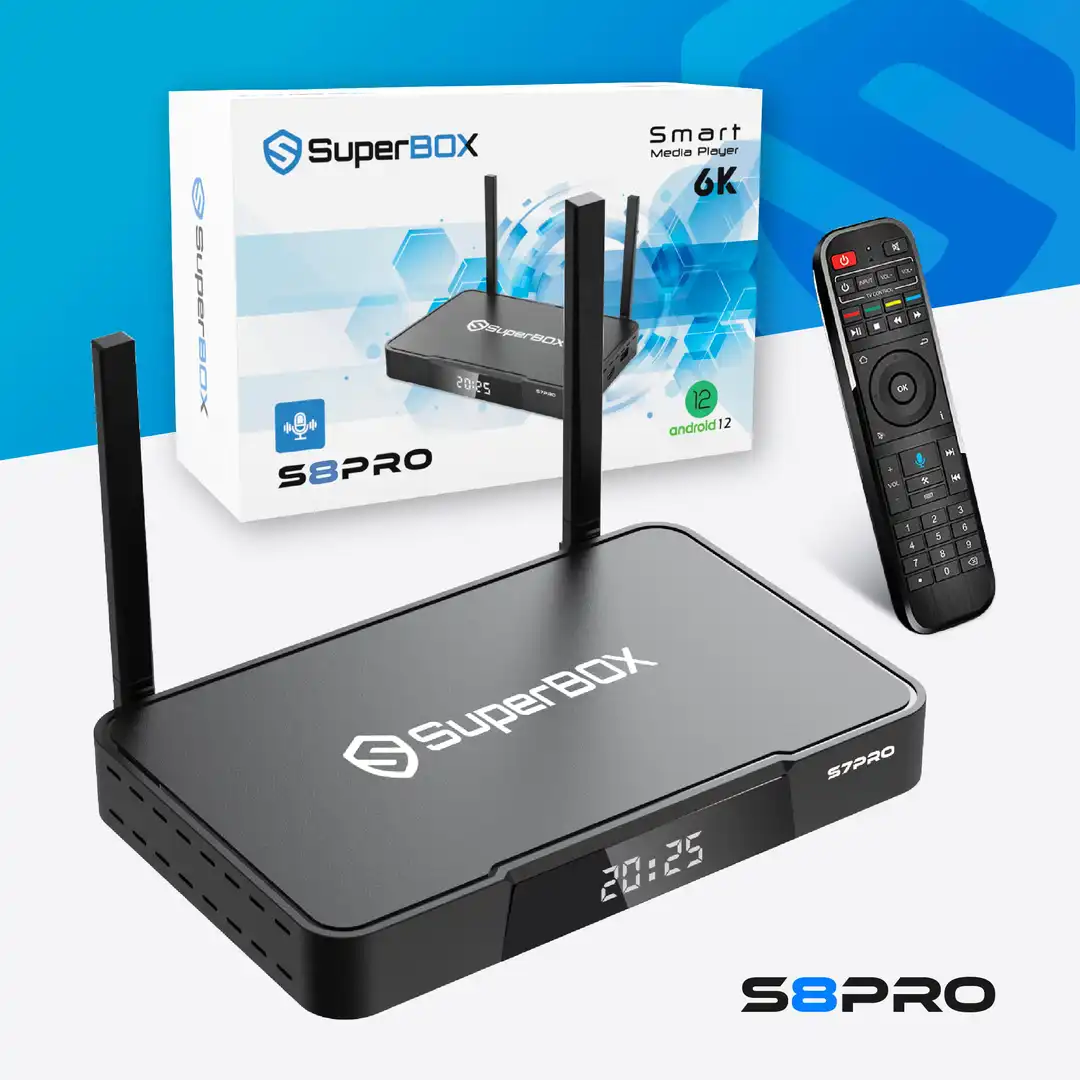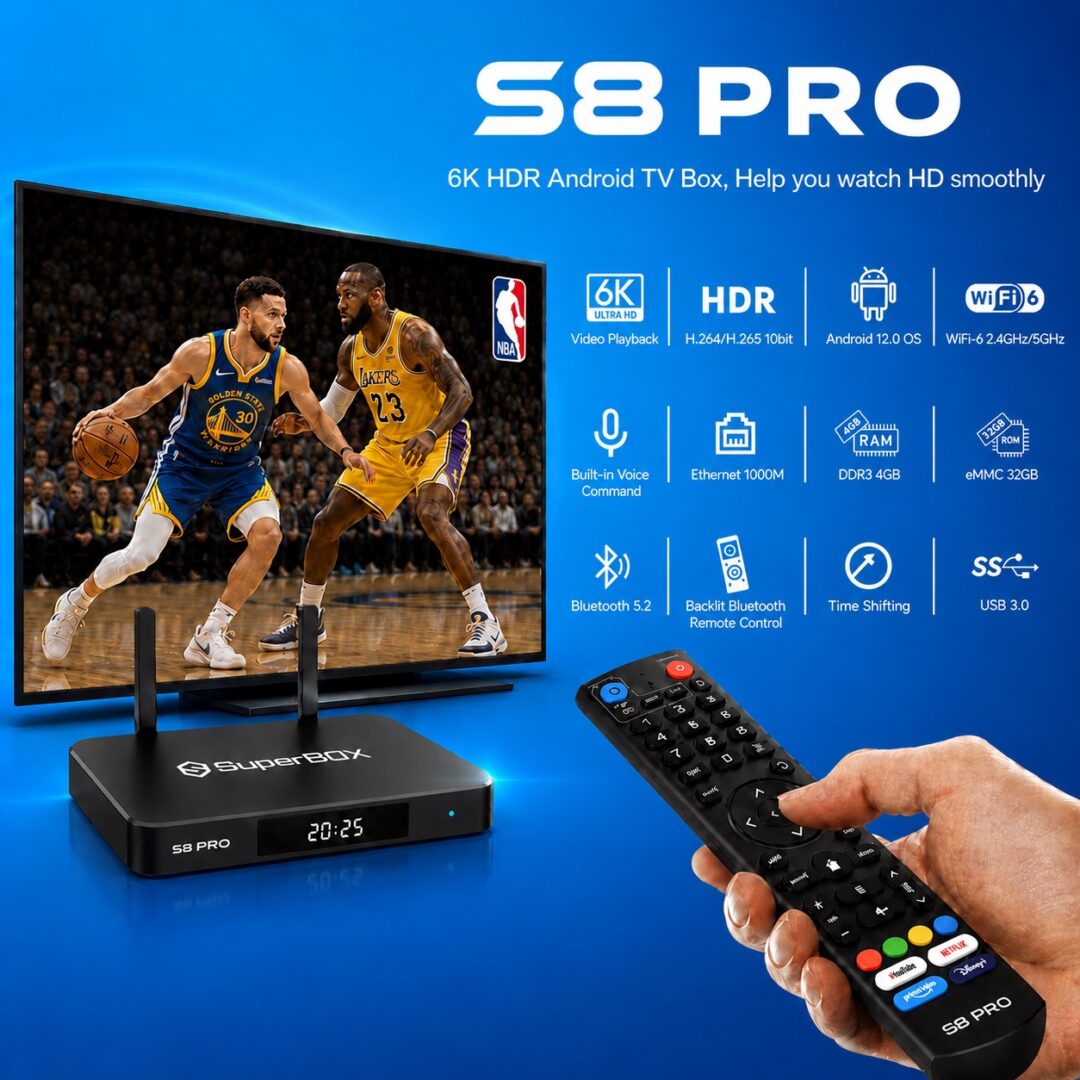
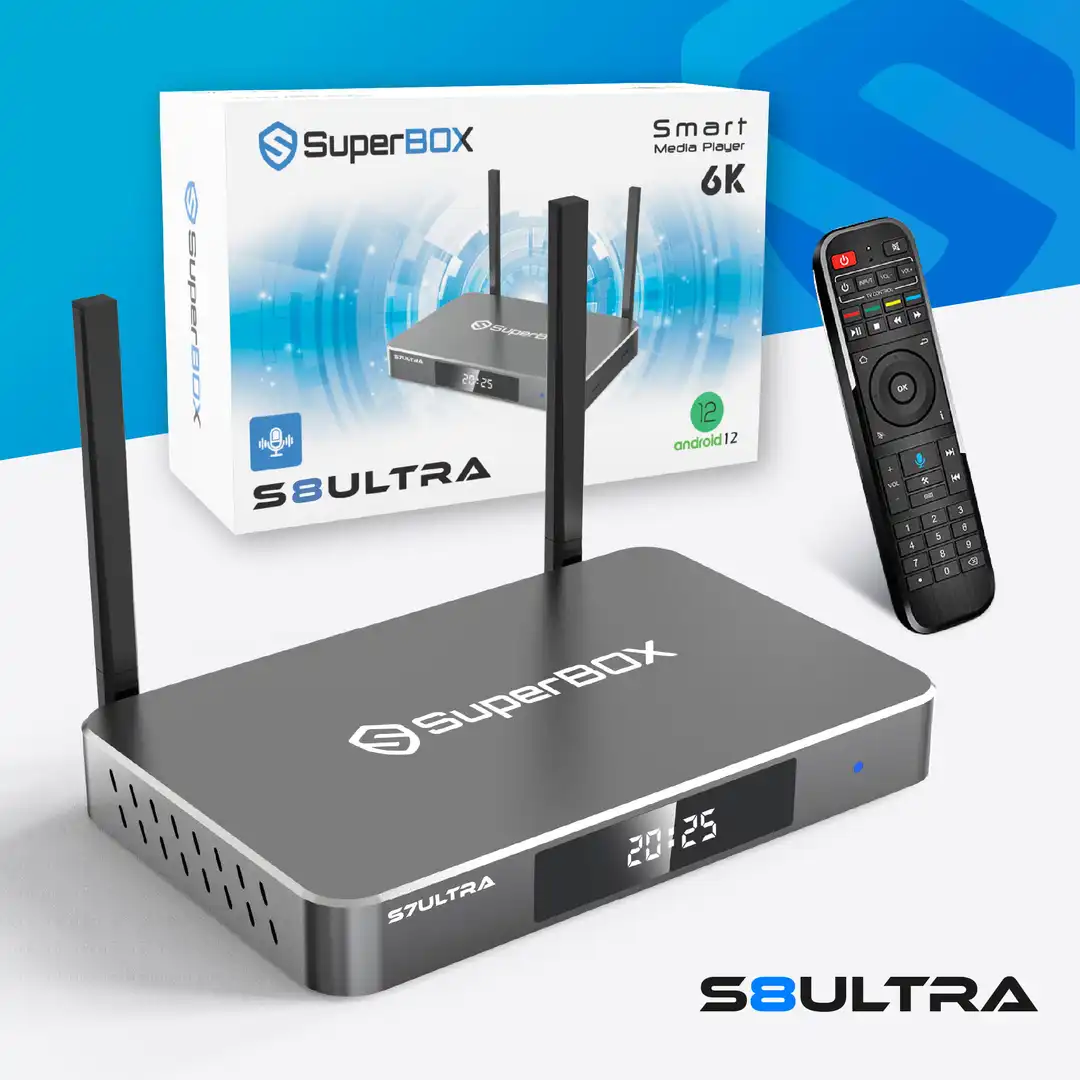
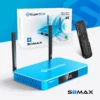

The SuperBox S8 Ultra is a top-tier Android TV box designed for live TV streaming, home theater entertainment, and on-demand viewing across North America. Built specifically for the US and Canadian markets, this high-performance streaming box debuts at $44
9.00 with a full 1-year warranty from superboxs8.com.
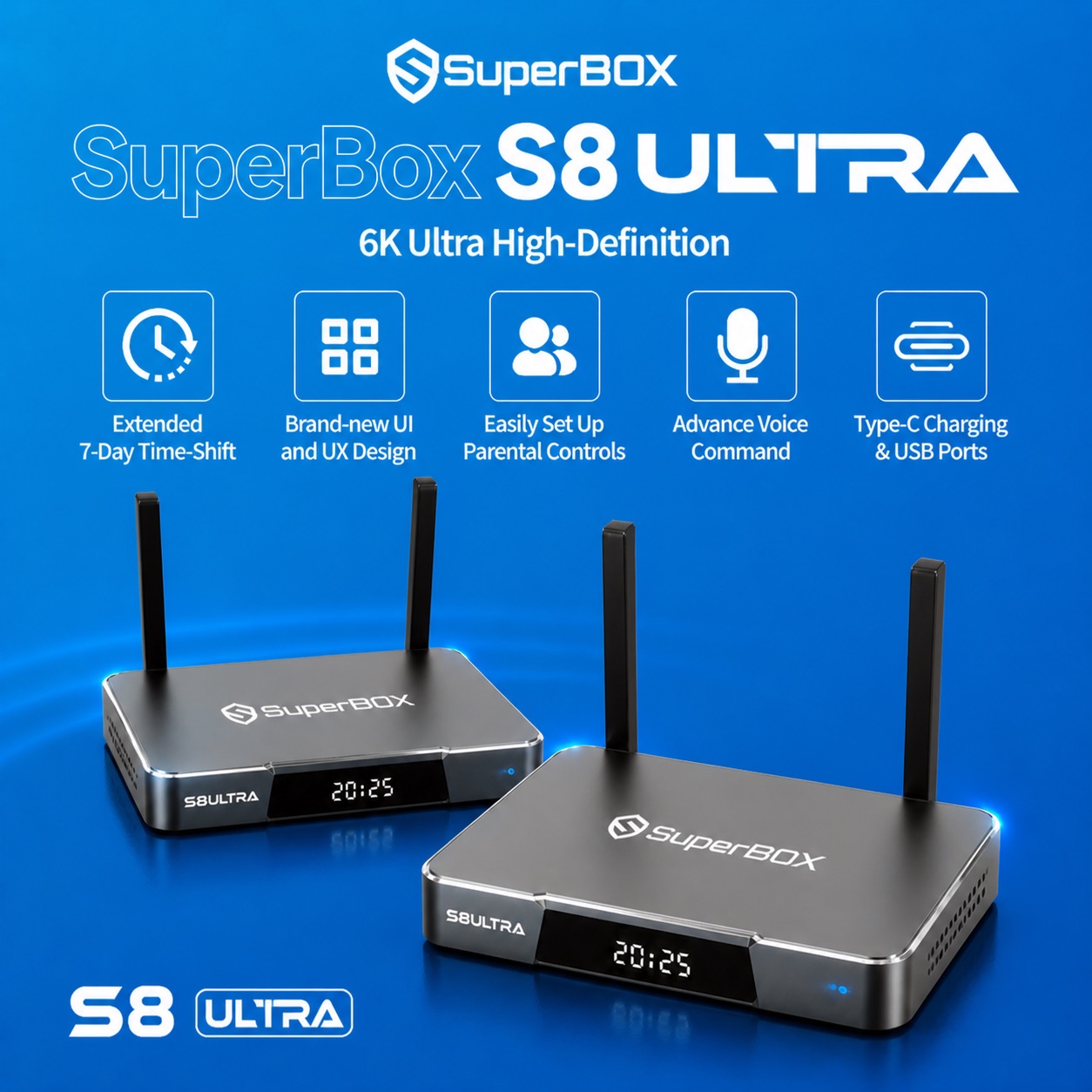
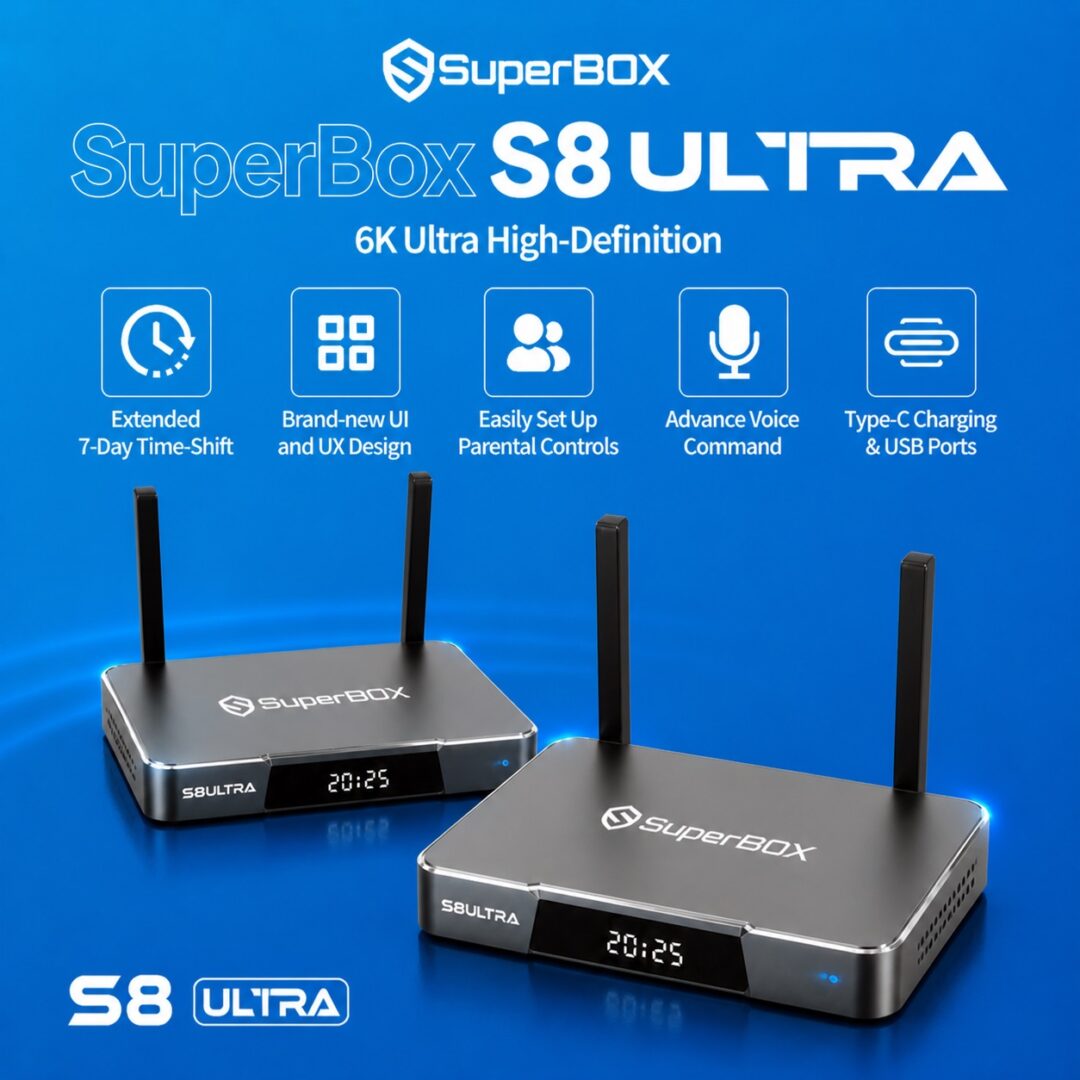
The S8 Ultra stands out as an all-in-one cord-cutting solution, offering buffer-free 6K Ultra HD streaming, an upgraded backlit voice remote, and a massive 128GB local storage capacity. With its fast WiFi 6 connectivity, 1000Mbps Gigabit Ethernet port, and redesigned user interface, the SuperBox S8 Ultra delivers a reliable, lag-free viewing experience for movies, live sports, and daily TV viewing.
SuperBox S8 Ultra technical specifications
| Specification | Feature |
| Operating System | Android 12 OS |
| Processor | Quad-core ARM Cortex-A53 CPU |
| GPU | Mali-G31 MP2 GPU |
| RAM | 4GB DDR |
| Storage | 128GB eMMC |
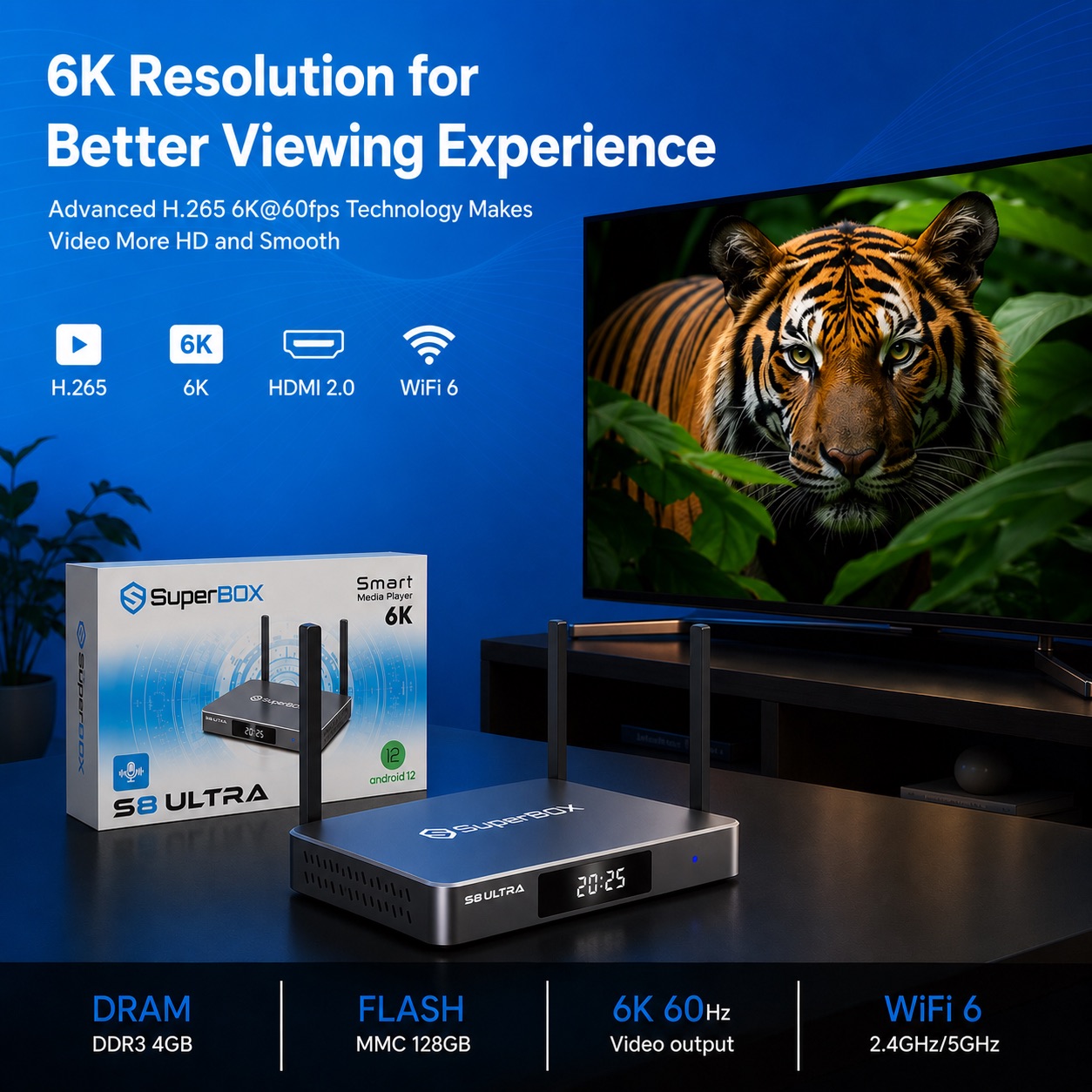
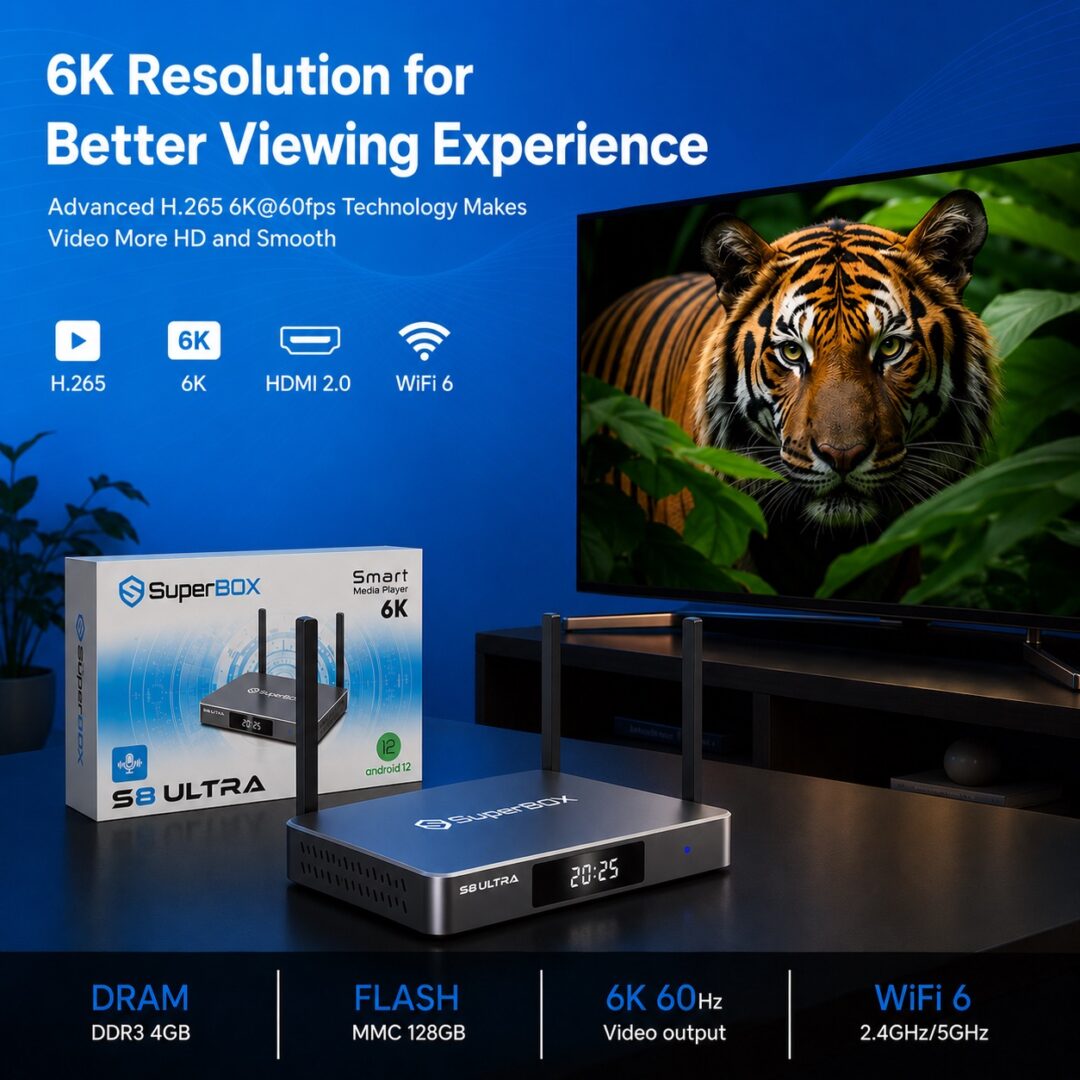
| Video Decoding | H.265 6K@60fps with HDR |
| WiFi | Dual-band WiFi 6 (2.4GHz / 5GHz) |
| Bluetooth | Bluetooth 5.2 |
| Ethernet | 1000Mbps Gigabit RJ45 Port |
| HDMI | HDMI 2.1 |
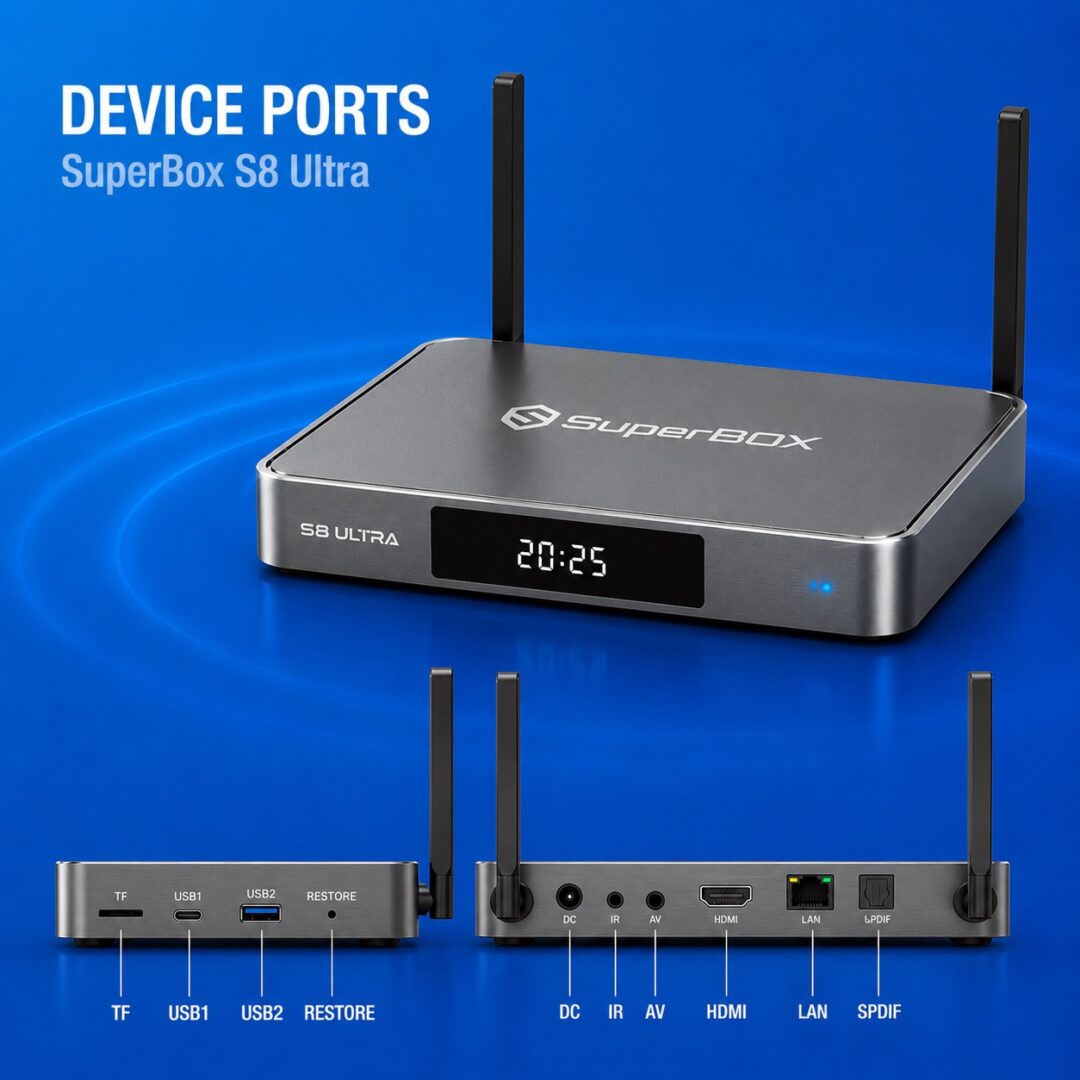
| USB Ports | 1 x USB 3.0, 1 x USB-C |
| Power Supply | Type-C 5V/2A |
| Case Material | Titanium Gray Aluminum Metal |
Key benefits of SuperBox S8 Ultra
- One-time hardware purchase: Enjoy a complete home entertainment hub without mandatory monthly service fees or recurring subscriptions.
- Fast plug-and-play setup: Connect the device to your TV and internet in under 5 minutes to start streaming immediately.
- Cinematic 6K picture quality: Stream live sports, movies, and TV shows in 6K Ultra HD resolution with high-dynamic-range (HDR) colors.
- Lifetime technical support: Receive direct technical assistance and firmware guidance from the superboxs8.com support team.
- Massive 128GB onboard storage: Download and store thousands of applications, media files, and local videos without running out of memory.
- Enhanced signal stability: Experience zero lag and smooth playback thanks to dual-band WiFi 6 and 1000Mbps Gigabit LAN connections.
What’s new in the SuperBox S8 Ultra version?
The SuperBox S8 Ultra improves physical hardware durability and thermal efficiency compared to earlier generations. Its chassis features a sleek Titanium Gray metal casing equipped with dedicated lateral cooling vents to prevent overheating during extended binge-watching sessions. Power delivery is upgraded to a modern USB Type-C port, replacing older DC jack designs for greater connector reliability.
On the navigation front, the S8 Ultra introduces an upgraded backlit Bluetooth remote control. Its buttons glow in low-light environments, allowing effortless channel switching and voice searches in dark home theater rooms.
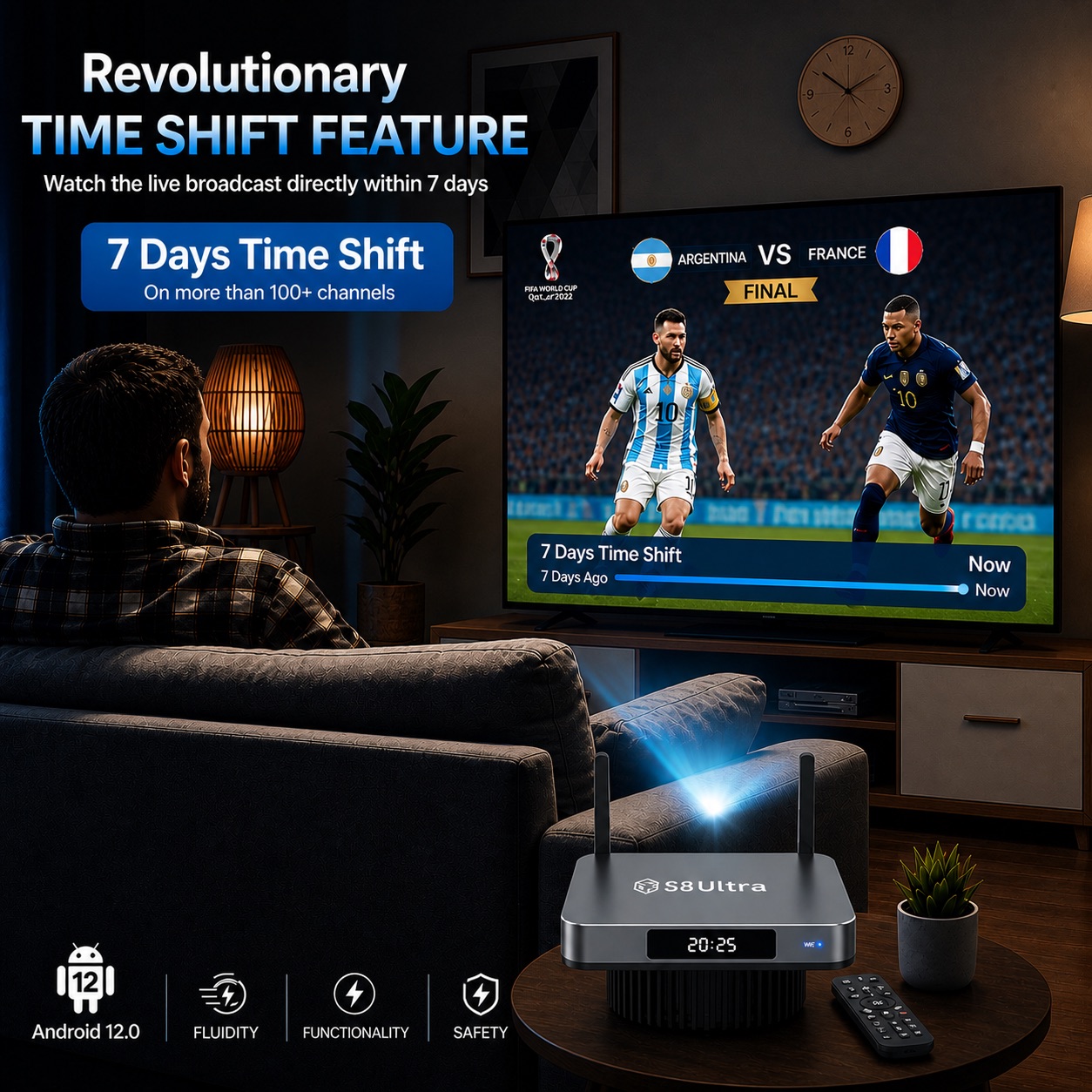
Software improvements include an extended 7-day Time Shift feature for supported live programs, an upgraded Bluetooth 5.2 module for lower latency accessory pairing, and an updated Android 12 interface built for quicker access to favorite apps.
Key features of SuperBox S8 Ultra
Extended 7-day time-shift
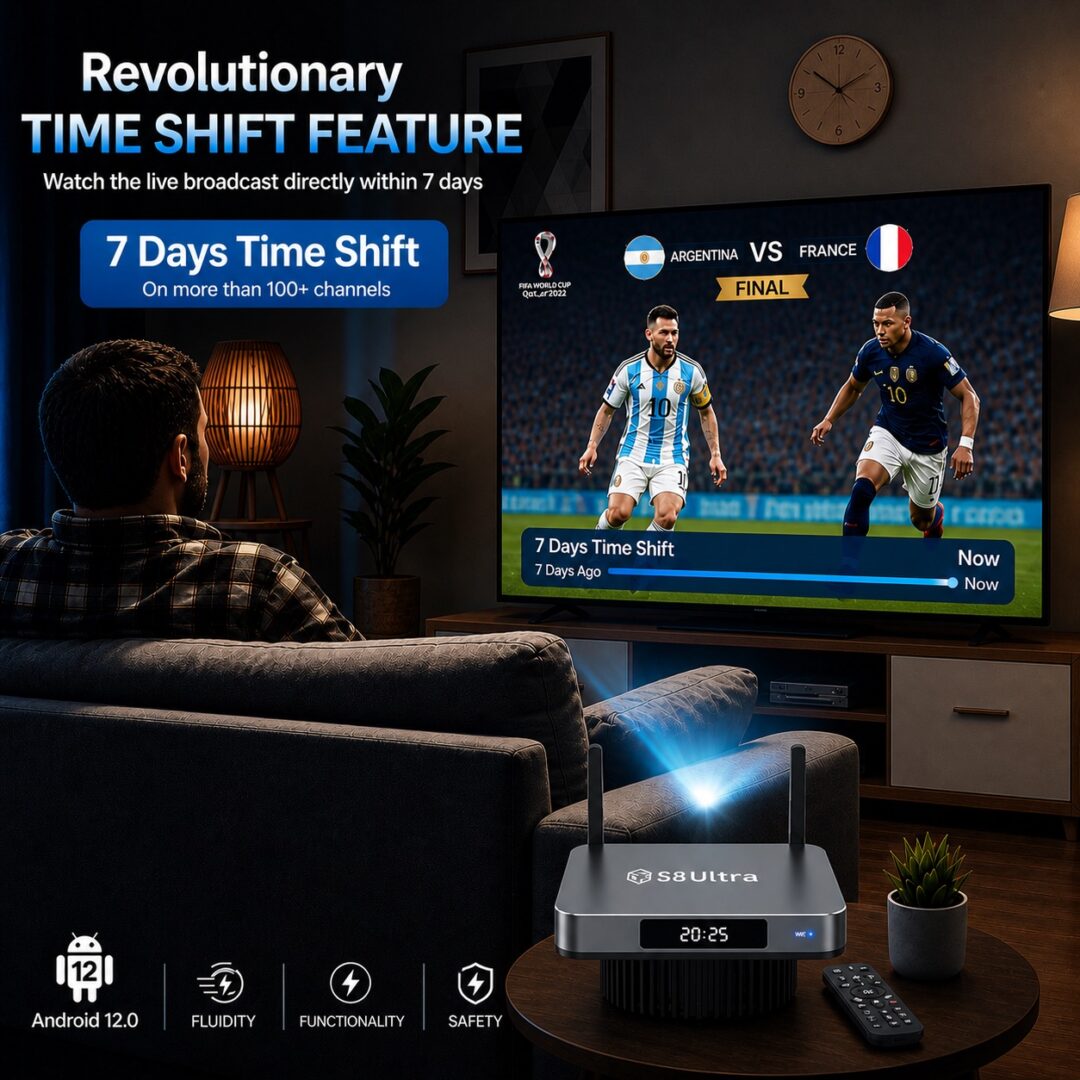
The 7-day Time Shift feature is a major improvement in the SuperBox S8 Ultra. Older models supported a shorter 8-hour rewind window. The S8 Ultra allows you to pause, rewind, or replay supported live programming for up to 7 days depending on app availability. You can easily catch up on missed sports events, news broadcasts, or regular TV shows. Combined with 128GB of internal storage, the system ensures optimal performance while managing extensive media applications.
6K Ultra HD streaming performance
Equipped with a Mali-G31 MP2 GPU and H.265 hardware decoding, the SuperBox S8 Ultra effortlessly renders 4K and 6K video streams at 60 frames per second. HDR technology enhances brightness, shadow depth, and color vibrancy, turning your living room into a cinema-like environment. Advanced video processing ensures smooth frame delivery without video stuttering or frame drops.
Voice control and smart remote
The included smart remote control features voice recognition powered by Google Assistant integration. Simply press the microphone button to search for movie titles, launch applications, or adjust volume levels. Soft backlighting illuminates all keys whenever the remote is moved, eliminating accidental button presses in dim rooms.
User-friendly UI & UX
The S8 Ultra operates on a custom gray and black user interface designed for speed and simplicity. Navigating menus is fluid, with minimal input delay. Content discovery is straightforward thanks to built-in smart filters that let family members sort titles by release year, genre, or rating in seconds.
WiFi and Ethernet connectivity
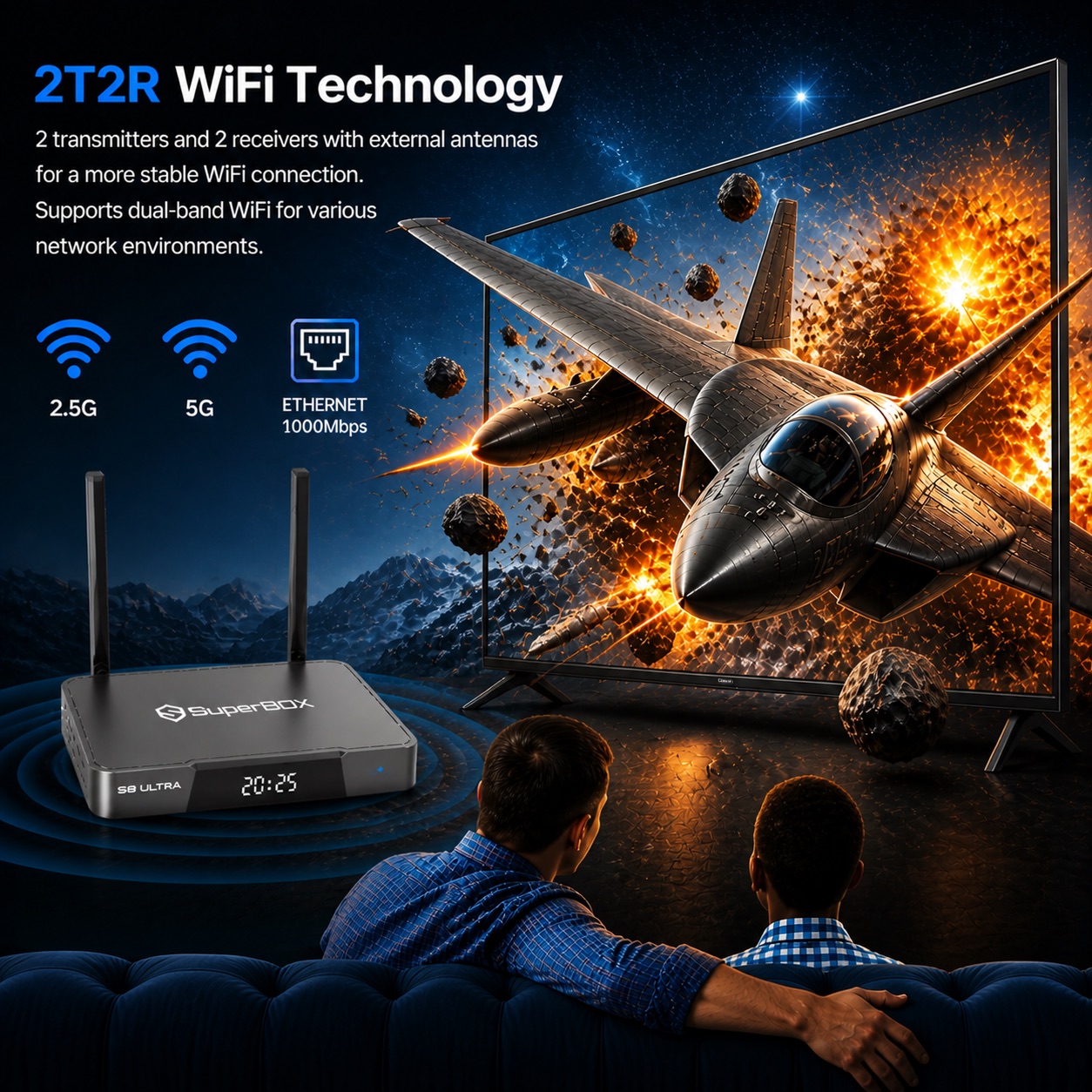
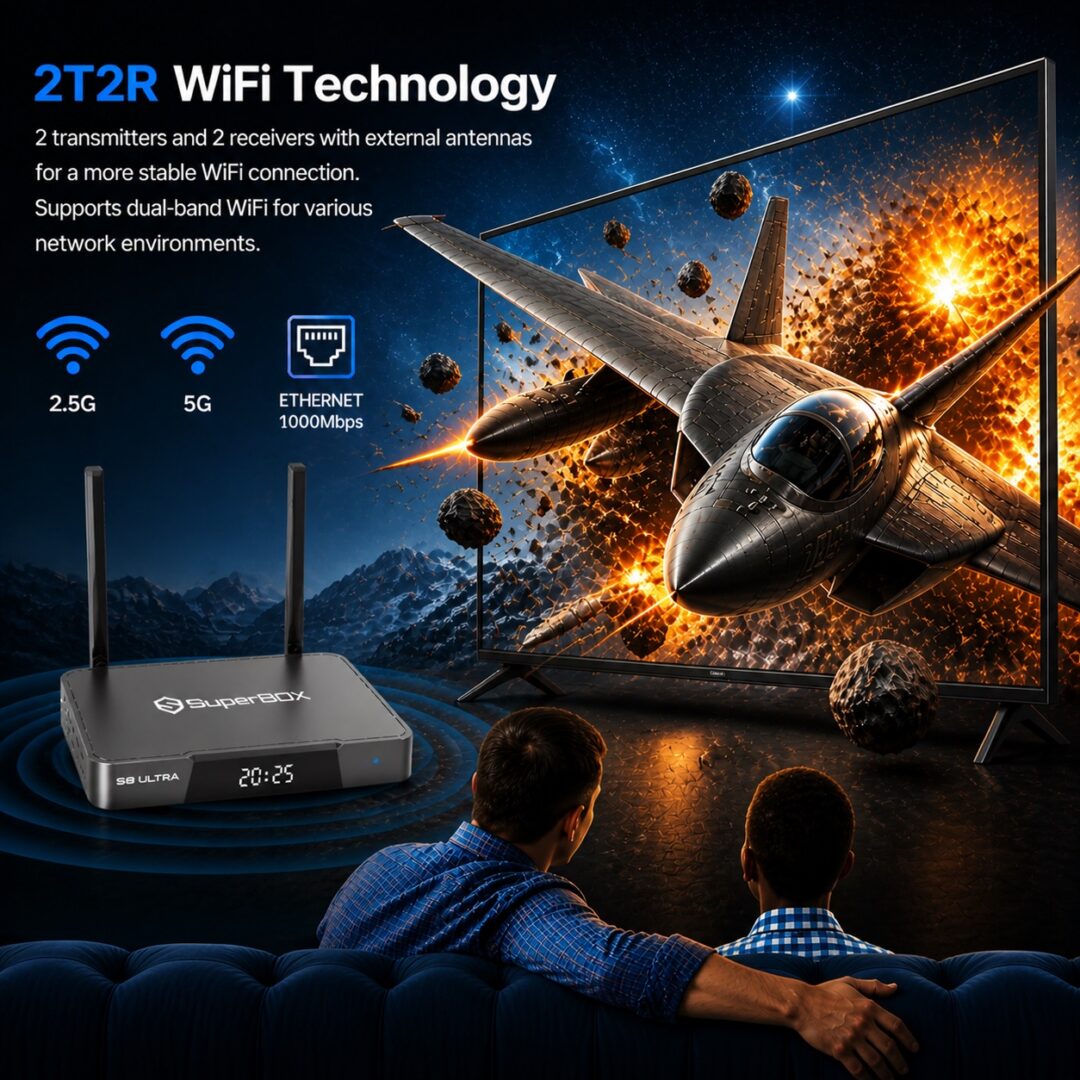
Network speed is critical for buffer-free 6K streaming. The S8 Ultra features dual-band WiFi 6 for superior wireless coverage and higher throughput across crowded home Wi-Fi networks. For direct wired connections, the integrated 1000Mbps Gigabit Ethernet port provides maximum stability for high-bitrate live TV streams.
Android ecosystem and app compatibility
Powered by Android 12, the S8 Ultra offers broad app compatibility. Users can access the Google Play Store to install streaming platforms, media players, security tools, and casual games. The 4GB DDR RAM allocation allows seamless multitasking between heavy applications without background app crashes.
Apps and entertainment options
- Blue TV: Provides direct access to live channels, news broadcasts, and international live streams.
- Blue VOD: Features an extensive library of on-demand movies, series, and documentary collections updated regularly.
- Playback App: Works alongside the 7-day Time Shift feature to let users catch up on recently aired live shows.
- Bonus Prime Apps: Offers extra niche streaming and international options for expanded family viewing.
Family-friendly features and parental controls
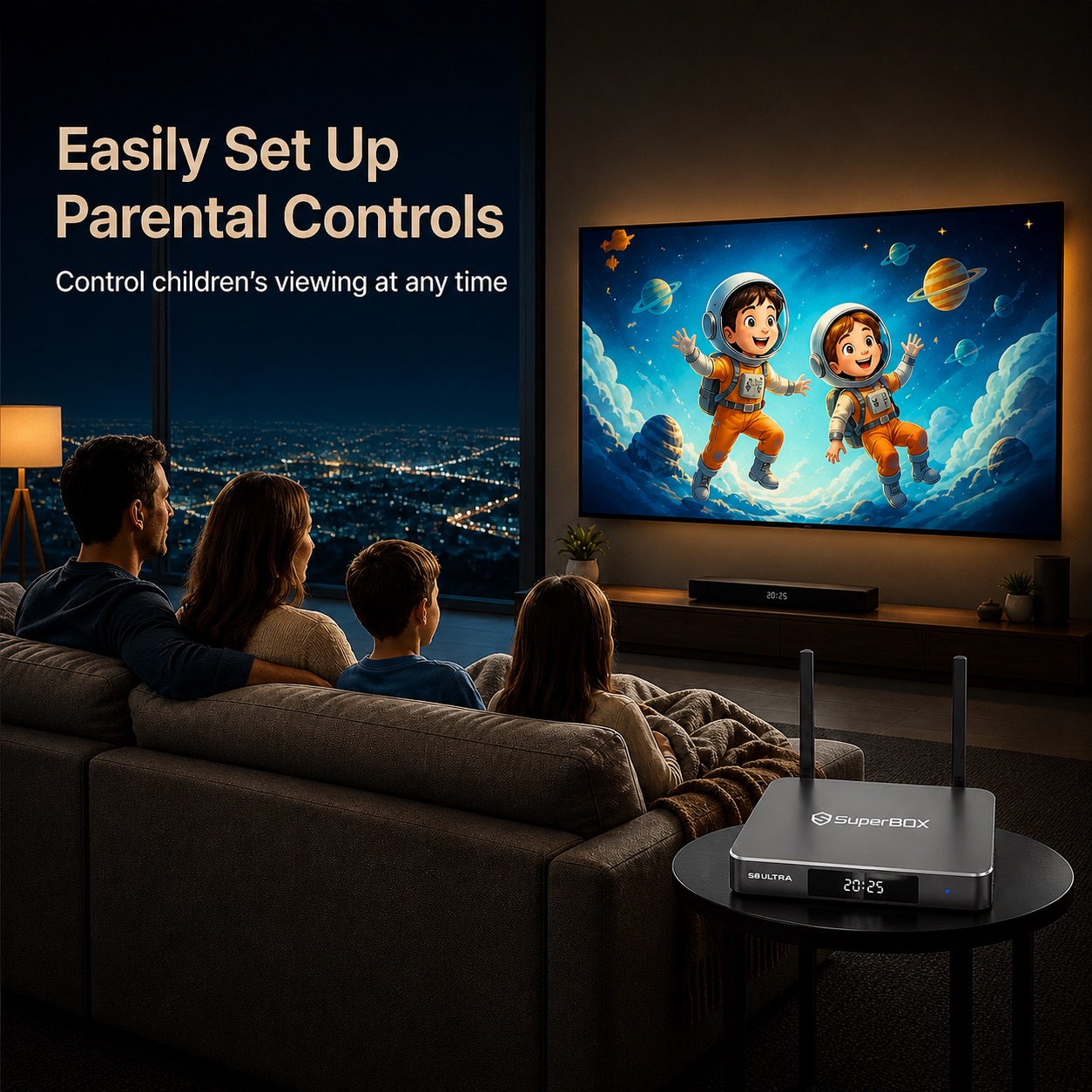
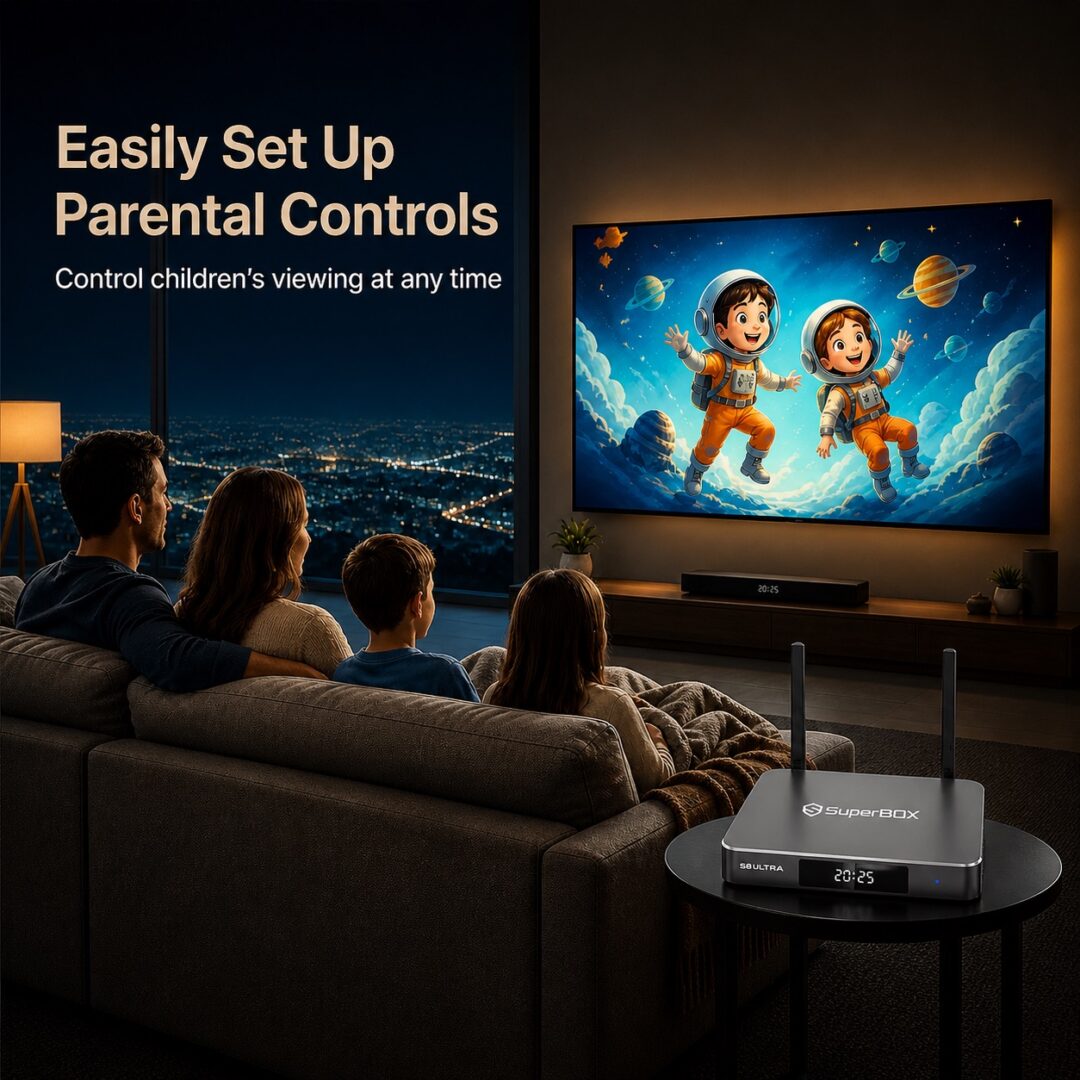
Keep household viewing safe with built-in parental control settings. Parents can restrict access to specific channels, set 4-digit PIN codes on adult content, or lock sensitive applications in three straightforward steps.
Premium build quality and cooling system
Crafted from high-grade aluminum metal, the S8 Ultra effectively absorbs and dissipates heat from the internal processor.
Side airflow vents maintain safe operating temperatures during long playback hours, ensuring continuous stability and extending the lifespan of the internal components.
Easy setup and plug-and-play experience
Setting up the SuperBox S8 Ultra requires no technical background. Connect the power cord, hook up the HDMI cable to your television, connect to internet, and the system automatically configures itself for immediate use.
SuperBox S8 Ultra compatibility with TVs, devices, and apps
The S8 Ultra is universally compatible with any television, monitor, or projector equipped with a standard HDMI port. It supports resolutions ranging from standard High Definition (720p/1080p) up to native 4K and 6K displays.
The box works seamlessly with external USB hard drives, game controllers, wireless mice, and soundbars. Its compact form factor makes it an ideal travel companion for hotels, vacation rentals, and RV trips. Additionally, the Android 12 OS fully supports major VPN applications downloaded from the Google Play Store to maintain privacy while streaming online.
What’s included in the SuperBox S8 Ultra package?
Standard package
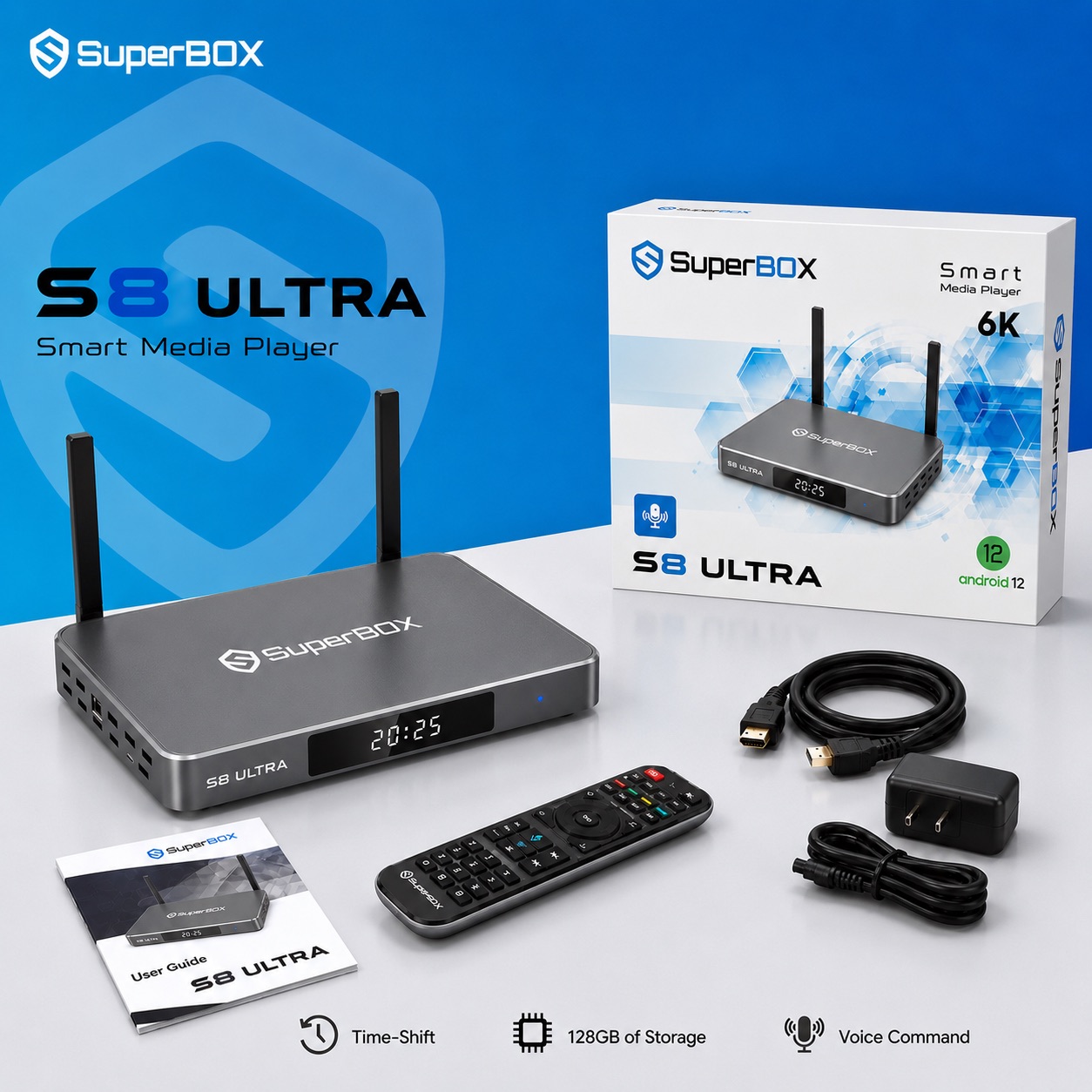
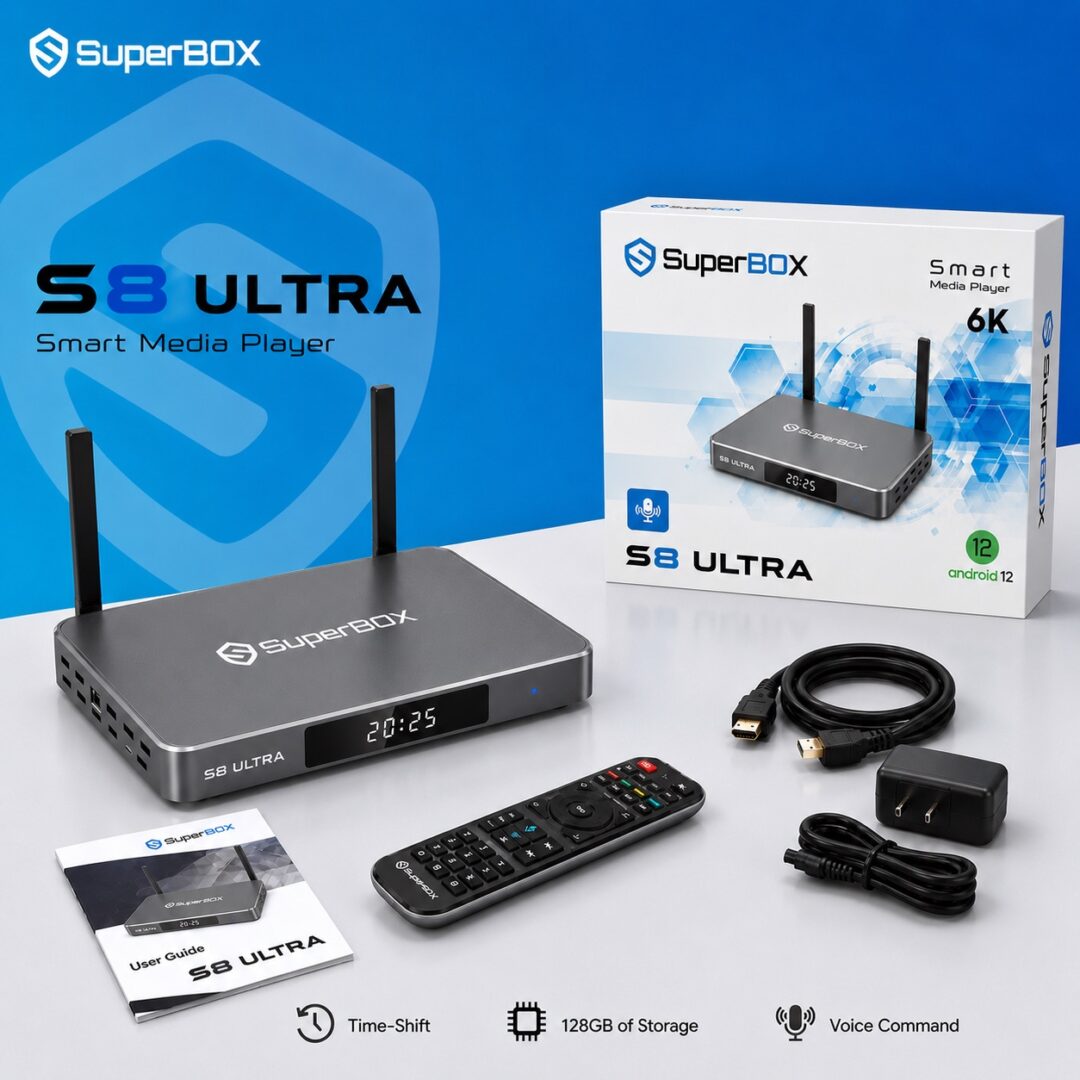
- 1 x SuperBox S8 Ultra Android TV Box (4GB RAM / 128GB Storage)
- 1 x Backlit Voice Control Remote
- 1 x High-Speed HDMI 2.1 Cable
- 1 x Type-C Power Adapter (5V/2A)
- 1 x Detailed User Manual
Gift bundle and bonus accessories
- High-Quality Mini Wireless Keyboard: Includes a touchpad to make typing search queries and passwords fast and effortless.
- 64GB Micro SD Card: Expands local storage capacity for personal photo albums, videos, and app downloads.
- 6-in-1 Adapter Hub: Expands port availability for multi-device accessory connections.
How to set up SuperBox S6 Pro in under 5 minutes
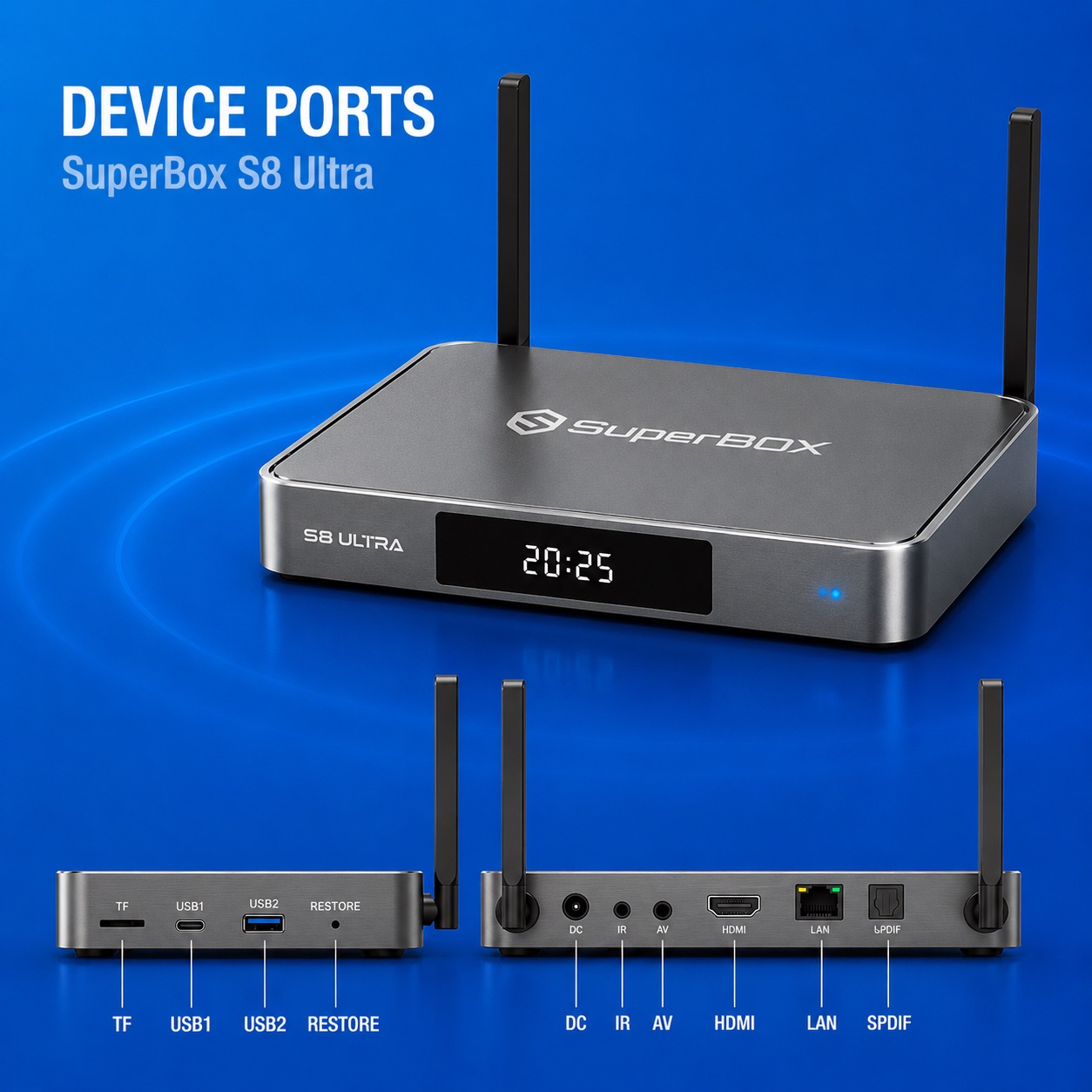
- 1.Connect HDMI to TV: Plug one end of the provided HDMI 2.1 cable into the HDMI port on the back of your SuperBox S8 Ultra, and plug the other end into an available HDMI input port on your television.
- 2.Power On the TV Box: Connect the Type-C power supply adapter cable to the S8 Ultra power port, then plug the adapter into a nearby wall socket.
- 3.Select TV Input Source: Turn on your television set and use your TV remote to select the matching HDMI input source (e.g., HDMI 1 or HDMI 2).
- 4.Connect to Internet: Navigate to the network settings menu on screen. Choose your Wi-Fi network and enter the password, or insert a physical LAN cable into the 1000Mbps Gigabit Ethernet port for a direct wired connection.
- 5.Launch Apps & Stream: Open your desired application from the home screen, let automatic initialization finish, and begin streaming your favorite content immediately.
Why buy SuperBox S8 Ultra from superboxs8.com?
superboxs8.com is an authorized online distributor of authentic SuperBox devices across the United States and Canada (Authorization Code: SP20250414002). Buying directly guarantees 100% genuine hardware backed by complete warranty protection and professional customer care:
- Free expedited shipping: Orders ship free of charge from local warehouses in California and New Jersey via UPS or DHL, arriving within 2 to 5 business days. Canadian orders ship duty-prepaid via UPS Express.
- 30-Day money-back guarantee: Try the device risk-free with a full refund return policy within 30 days of delivery.
- Secure transactions: All online orders are processed using 256-bit AES encrypted, PCI-DSS compliant checkout gateways including Stripe, PayPal, Apple Pay, and major credit cards.
- Dedicated tech support: Access Live Chat and email support for assistance with setup, network optimization, or hardware inquiries.
- Lifetime service coverage: Your purchase includes lifetime service support, keeping your device updated and running smoothly for years to come.
Frequently asked questions about SuperBox S8 Ultra
What should I do if my SuperBox S8 Ultra remote control loses its connection?
Press and hold the OK and Return buttons on the remote control simultaneously to re-pair it via Bluetooth. Make sure your Bluetooth settings are active in the system menu.
Can I connect external Bluetooth speakers or headphones to the S8 Ultra?
Yes. The S8 Ultra features Bluetooth 5.2 technology, allowing you to pair wireless headphones, soundbars, or game controllers directly through the accessories menu.
How do I adjust video output resolutions for different TV screens?
Go to Settings, select Display, and choose Resolution. You can set the output to Auto-switch or manually select resolutions up to 6K@60Hz depending on your TV capabilities.
Does the SuperBox S8 Ultra support automatic system software updates?
Yes. Over-the-air (OTA) updates push software improvements, UI fixes, and system security patches directly to your device whenever it is connected to the internet.
What internet speed is recommended for buffer-free 6K streaming on the S8 Ultra?
We recommend a minimum download speed of 25 Mbps for 4K streaming and 50 Mbps or higher for optimal, buffer-free 6K Ultra HD playback.
Can I transfer downloaded media files using the Micro SD card slot or USB ports?
Yes. You can insert Micro SD cards up to 64GB or connect external USB hard drives to play local video files, music, and photos through media apps.


Reviews
There are no reviews yet.